
Your website might look perfect on the surface. Beautiful design, strong copy, and a clear value proposition. But if search engines cannot properly crawl, index, and understand your pages, none of that effort will pay off in organic traffic.
A technical SEO audit is the process of examining the backend elements that determine how search engines interact with your site. It is the foundation that supports everything else in your SEO strategy, from content marketing to link building.
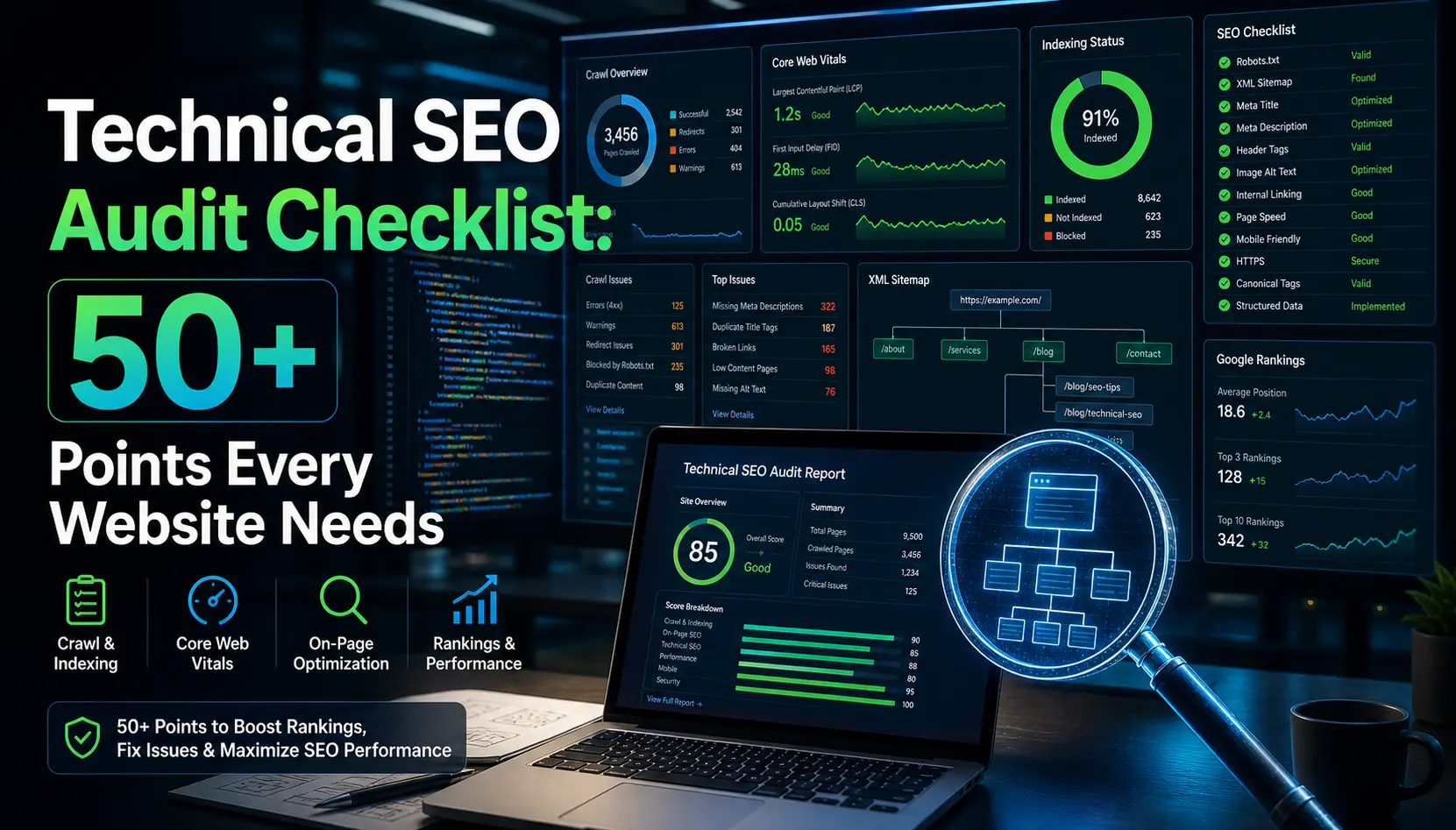
This guide gives you a practical, priority-ranked technical SEO checklist with 50+ audit points. Each item includes the tools you need and a clear priority level so you know exactly where to start. Whether you manage a small business site or an enterprise platform, this SEO audit guide will help you find and fix the issues that hold your rankings back.
What Is a Technical SEO Audit?
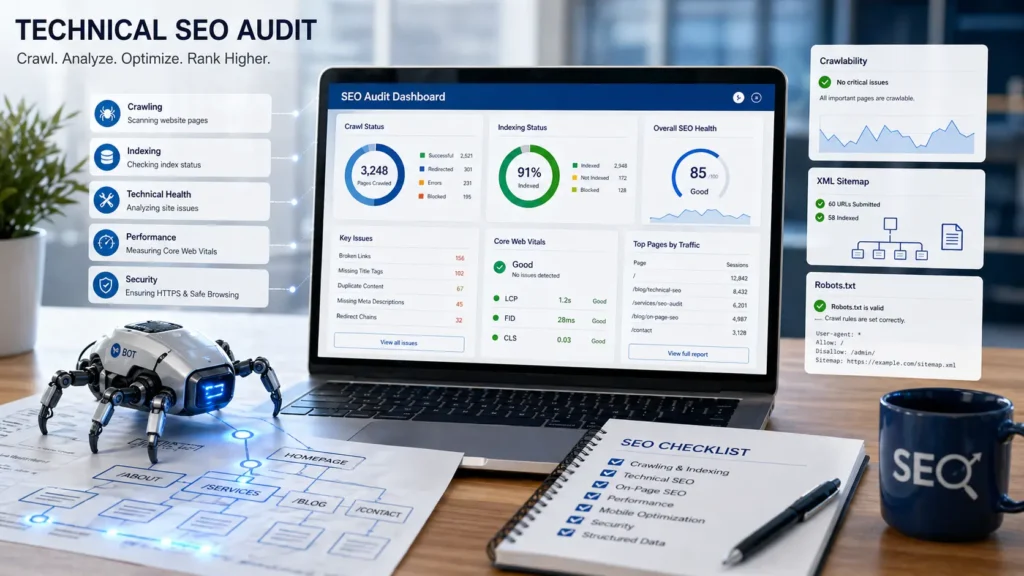
A technical SEO audit is a systematic review of your website’s infrastructure. It examines how well search engine crawlers can access, render, and index your content. Unlike content audits or backlink reviews, a technical audit focuses on the mechanics behind the scenes.
Think of it like a building inspection. The paint and furniture matter to visitors, but inspectors care about the electrical wiring, plumbing, and foundation. Search engines are your inspectors. They need a solid technical foundation before they will reward your site with visibility.
Technical audits cover areas like site crawlability, page speed, mobile usability, structured data, security protocols, and URL architecture. When these elements work together, search engines can efficiently discover and rank your pages.
Why Every Website Needs a Technical SEO Checklist
Search algorithms grow more sophisticated every year. Google now processes hundreds of ranking signals, and many of them are technical. Sites that ignore these signals leave rankings on the table.
A structured technical SEO checklist prevents critical issues from slipping through the cracks. It turns a complex audit into a repeatable, manageable process that any team can follow.
The Cost of Ignoring Technical SEO
When technical SEO problems go unresolved, the consequences compound over time. Here is what typically happens:
- Crawl budget waste: Search engines spend limited resources on broken or duplicate pages instead of your best content.
- Indexing failures: Important pages get excluded from search results entirely, killing potential traffic.
- Slow page loads: Users bounce, conversion rates drop, and Google demotes your rankings in Core Web Vitals assessments.
- Mobile usability gaps: With mobile-first indexing, a poor mobile experience directly impacts how Google evaluates your entire site.
- Security vulnerabilities: Sites without HTTPS lose trust signals and may trigger browser warnings that scare visitors away.
A single undetected crawl error can remove a high-traffic page from Google’s index for weeks. Multiply that across dozens of pages, and the revenue impact is substantial.
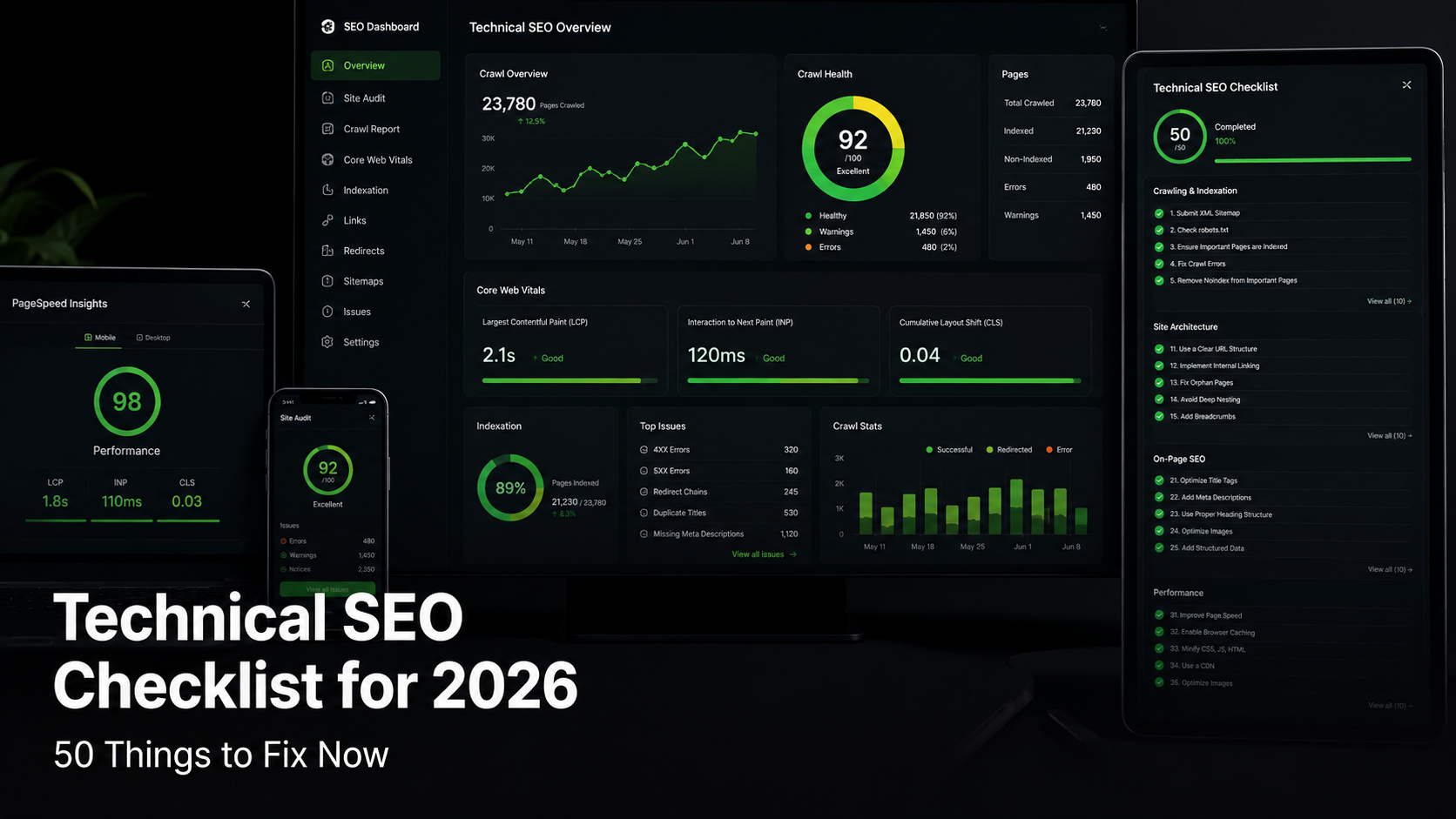
The Complete 50-Point Technical SEO Checklist
Below is the full checklist, organized into six categories. Each point includes a priority level (Critical, High, or Medium) so you can tackle the most impactful items first.
Crawlability and Indexing (Points 1 to 12)

Site crawlability is the single most important pillar of technical SEO. If search engines cannot reach your pages, nothing else matters.
| # | Audit Point | Priority | Recommended Tool |
| 1 | Verify robots.txt is not blocking critical pages | Critical | Google Search Console |
| 2 | Submit and validate XML sitemap in Search Console | Critical | Screaming Frog, Yoast SEO |
| 3 | Check for noindex tags on important pages | Critical | Screaming Frog, Sitebulb |
| 4 | Audit crawl errors and 404 pages | Critical | Google Search Console |
| 5 | Review canonical tags for correctness | High | Ahrefs Site Audit, Screaming Frog |
| 6 | Identify and fix redirect chains and loops | High | Screaming Frog, Redirect Path |
| 7 | Ensure proper use of 301 vs 302 redirects | High | Ahrefs, Screaming Frog |
| 8 | Monitor crawl budget for large sites (10k+ pages) | High | Google Search Console, Botify |
| 9 | Check for orphan pages with no internal links | Medium | Screaming Frog, Sitebulb |
| 10 | Validate hreflang tags for multilingual sites | Medium | Ahrefs, hreflang Tag Checker |
| 11 | Audit log files to understand crawler behavior | Medium | Screaming Frog Log Analyzer |
| 12 | Ensure JavaScript content is crawlable and rendered | High | Google Search Console URL Inspection |
Start with your robots.txt file. A single misconfigured disallow rule can block entire sections of your site from Google. Open your robots.txt (yoursite.com/robots.txt) and confirm that important directories are accessible.
Your XML sitemap acts as a roadmap for crawlers. It should include only indexable, canonical URLs. Remove any pages that return 4xx or 5xx errors, and resubmit the sitemap through Google Search Console after every major site update.
Canonical tags tell search engines which version of a page is the original. Incorrect canonicals can cause Google to ignore your preferred pages and index duplicates instead. Audit every canonical tag, especially on paginated content, filtered category pages, and pages with URL parameters.
Site Architecture and URL Structure (Points 13 to 22)
Clean site architecture helps both users and crawlers find content efficiently. A well-organized structure distributes link equity and supports topical relevance.
| # | Audit Point | Priority | Recommended Tool |
| 13 | Keep URL structure flat (3 clicks or fewer to any page) | Critical | Screaming Frog, Visual Site Mapper |
| 14 | Use descriptive, keyword-rich URLs | High | Manual Review |
| 15 | Remove or consolidate thin content pages | High | Google Analytics, Screaming Frog |
| 16 | Implement breadcrumb navigation with schema | High | Yoast SEO, RankMath |
| 17 | Fix broken internal links | Critical | Screaming Frog, Ahrefs |
| 18 | Optimize internal linking to priority pages | High | Link Whisper, Screaming Frog |
| 19 | Ensure consistent trailing slash usage | Medium | Screaming Frog |
| 20 | Remove session IDs and unnecessary URL parameters | Medium | Google Search Console |
| 21 | Set up proper pagination (rel next/prev or load-more) | Medium | Manual Review |
| 22 | Create a logical silo structure for topical authority | High | Manual Planning, Screaming Frog |
The three-click rule is more than a best practice. It is a direct signal to search engines about page importance. Pages buried five or six levels deep receive less crawl frequency and weaker link equity.
Your URL structure should be readable by humans. Avoid long strings of numbers, excessive parameters, or dynamically generated URLs that carry no meaning. A URL like /blog/technical-seo-checklist is far more effective than /page?id=4827&cat=3.
Internal linking is one of the most underused tools in SEO. Every page on your site should link to and from related content. This helps crawlers discover pages and signals topical relationships that strengthen your overall authority.
Page Speed and Core Web Vitals (Points 23 to 32)
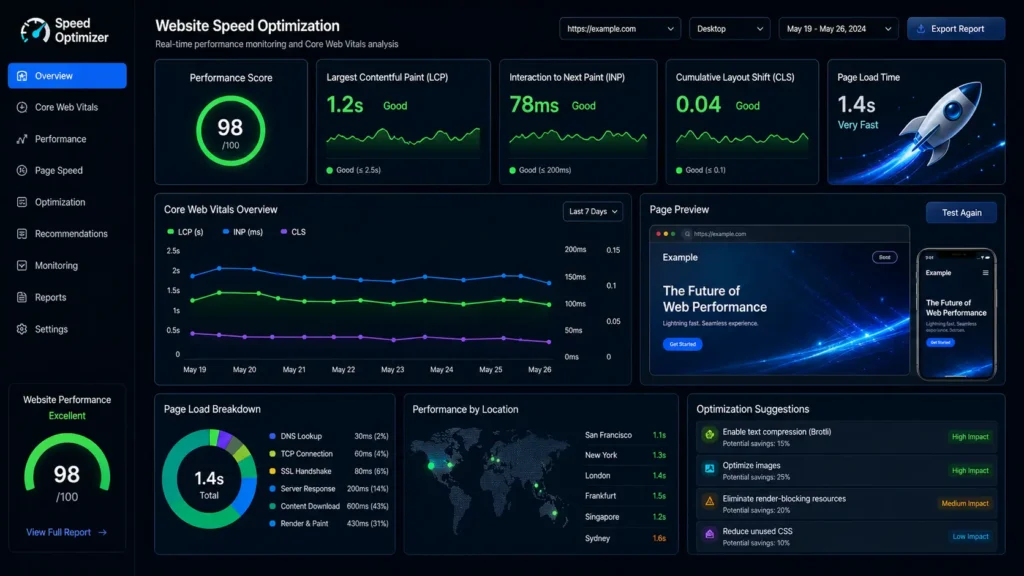
Google made Core Web Vitals a confirmed ranking factor in 2021. These metrics measure real-world user experience, and they directly influence your search visibility.
| # | Audit Point | Priority | Recommended Tool |
| 23 | Measure and optimize Largest Contentful Paint (LCP < 2.5s) | Critical | PageSpeed Insights, Lighthouse |
| 24 | Reduce Interaction to Next Paint (INP < 200ms) | Critical | Chrome DevTools, Web Vitals Extension |
| 25 | Minimize Cumulative Layout Shift (CLS < 0.1) | Critical | PageSpeed Insights, Lighthouse |
| 26 | Enable browser caching with proper cache headers | High | GTmetrix, WebPageTest |
| 27 | Compress images (use WebP or AVIF format) | High | ShortPixel, TinyPNG, Squoosh |
| 28 | Minify CSS, JavaScript, and HTML | High | GTmetrix, Autoptimize |
| 29 | Implement lazy loading for images and videos | High | Lighthouse, Manual Review |
| 30 | Use a Content Delivery Network (CDN) | High | Cloudflare, BunnyCDN, KeyCDN |
| 31 | Reduce server response time (TTFB < 800ms) | High | WebPageTest, GTmetrix |
| 32 | Remove render-blocking resources above the fold | Medium | Lighthouse, PageSpeed Insights |
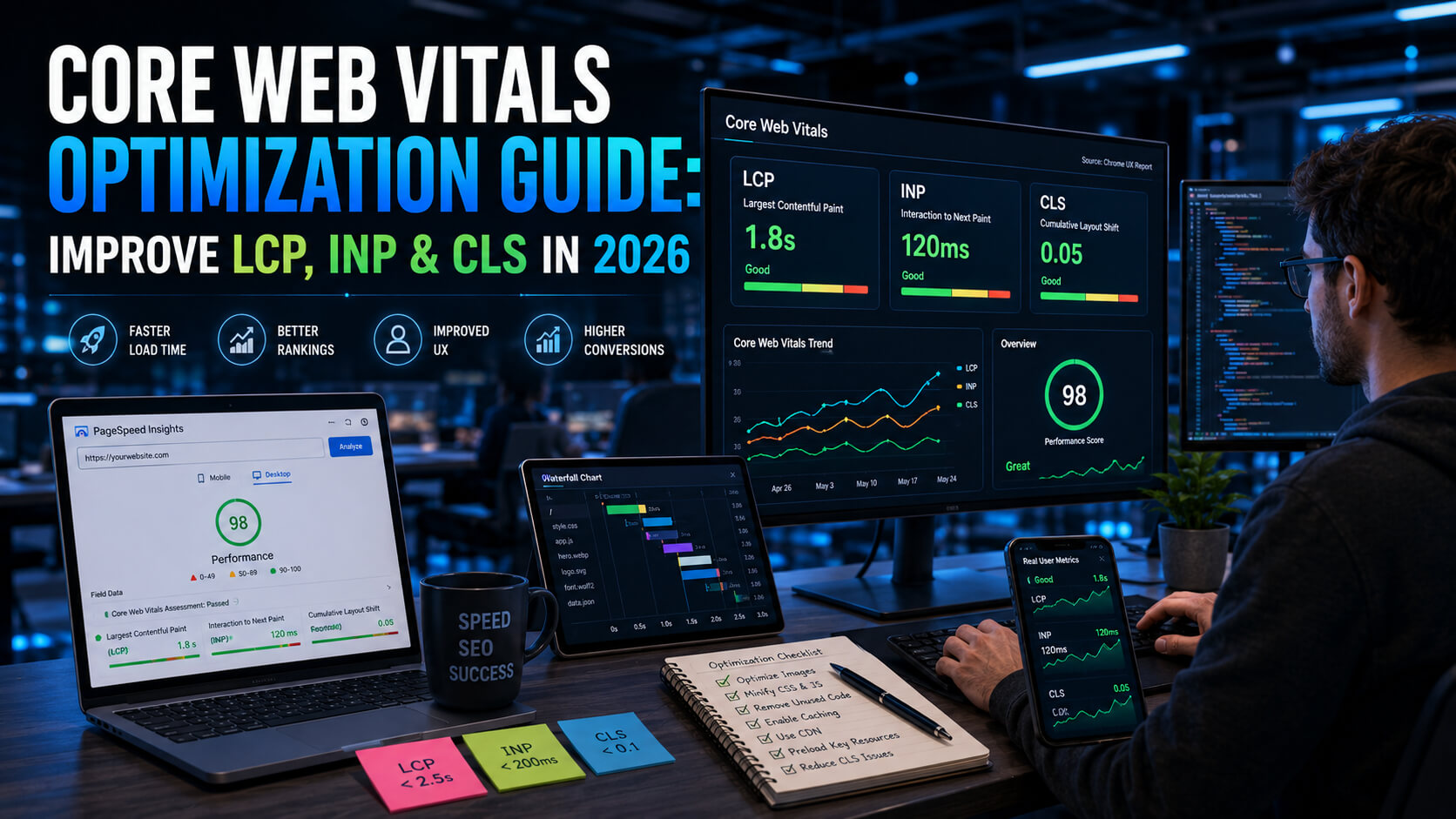
Largest Contentful Paint (LCP) measures how quickly the main content loads. The target is under 2.5 seconds. Common fixes include optimizing hero images, preloading critical fonts, and upgrading your hosting.
Interaction to Next Paint (INP) replaced First Input Delay in March 2024 as Google’s responsiveness metric. It measures how fast your page responds to all user interactions, not just the first one. Break up long JavaScript tasks and defer non-essential scripts to improve this score.
Cumulative Layout Shift (CLS) tracks unexpected page movements during loading. Set explicit width and height attributes on all images and embeds. Reserve space for ad slots. These simple fixes prevent the frustrating layout jumps that drive users away.
Image optimization offers some of the biggest speed gains with the least effort. Convert images to WebP or AVIF format, serve responsive sizes, and always compress before uploading. A single uncompressed hero image can add seconds to your load time.
Mobile Optimization (Points 33 to 38)
Google uses mobile-first indexing for all websites. This means the mobile version of your site is the primary version Google evaluates for rankings.
| # | Audit Point | Priority | Recommended Tool |
| 33 | Confirm responsive design works across all breakpoints | Critical | Chrome DevTools, BrowserStack |
| 34 | Test mobile page speed separately from desktop | Critical | PageSpeed Insights (Mobile tab) |
| 35 | Ensure tap targets are at least 48×48 pixels | High | Lighthouse, Mobile-Friendly Test |
| 36 | Verify no content is hidden from mobile crawlers | High | Google Search Console |
| 37 | Check viewport meta tag is correctly configured | High | Manual Review, Lighthouse |
| 38 | Test font sizes for mobile readability (16px minimum body) | Medium | Lighthouse, Manual Review |
Responsive design is not optional. If your site serves different content on mobile versus desktop, Google will only consider the mobile version. Test every template and page type across multiple screen sizes.
Mobile page speed often tells a different story than desktop scores. Run separate tests in PageSpeed Insights and prioritize the mobile results. Mobile users are on slower connections and less powerful devices, so every kilobyte matters.
Tap target sizing is frequently overlooked. Buttons and links that are too small or too close together frustrate mobile users and trigger Lighthouse warnings. Make every interactive element at least 48 by 48 pixels with adequate spacing between them.
Structured Data and Schema Markup (Points 39 to 44)
Structured data helps search engines understand the context of your content. It can also unlock rich results like FAQ dropdowns, star ratings, recipe cards, and product information directly in search results.
| # | Audit Point | Priority | Recommended Tool |
| 39 | Implement Organization or LocalBusiness schema on homepage | High | Schema.org, Google Rich Results Test |
| 40 | Add Article or BlogPosting schema to all blog posts | High | Yoast SEO, RankMath |
| 41 | Add FAQ schema to relevant pages | High | Google Rich Results Test |
| 42 | Validate all structured data with zero errors | Critical | Google Rich Results Test, Schema Validator |
| 43 | Implement BreadcrumbList schema | Medium | Yoast SEO, Manual JSON-LD |
| 44 | Add Product, Review, or HowTo schema where applicable | Medium | Google Rich Results Test |
Use JSON-LD format for all structured data. Google recommends it over Microdata and RDFa because it is easier to implement and maintain. Place the JSON-LD script in the head section of each page.
FAQ schema is particularly valuable for informational content. When Google displays your FAQ directly in search results, you effectively take up more space on the results page. This increases click-through rates significantly.
Always validate your structured data after implementation. A single syntax error can invalidate the entire block. Use Google’s Rich Results Test for page-level checks and the Schema Markup Validator for detailed debugging.
Security and Accessibility (Points 45 to 50+)
Security and accessibility are both ranking factors and trust signals. They protect your users and demonstrate that your site meets modern web standards.
| # | Audit Point | Priority | Recommended Tool |
| 45 | Enforce HTTPS across all pages (no mixed content) | Critical | SSL Labs, Why No Padlock |
| 46 | Set up proper SSL certificate and auto-renewal | Critical | SSL Labs, Your Hosting Provider |
| 47 | Implement HTTP security headers (HSTS, CSP, X-Frame) | High | SecurityHeaders.com, Mozilla Observatory |
| 48 | Add alt text to every image for accessibility and SEO | High | Screaming Frog, WAVE Tool |
| 49 | Ensure proper heading hierarchy (single H1, logical H2-H6) | High | WAVE, HeadingsMap Extension |
| 50 | Check color contrast ratios meet WCAG 2.1 AA standards | Medium | WAVE, Lighthouse Accessibility |
| 51 | Implement proper ARIA labels on interactive elements | Medium | WAVE, axe DevTools |
| 52 | Add a comprehensive HTML sitemap for users | Medium | Manual Creation, CMS Plugin |
| 53 | Ensure 404 page is helpful and links back to key pages | Medium | Manual Review |
HTTPS is non-negotiable. Google has used it as a ranking signal since 2014, and modern browsers actively warn users when they visit HTTP pages. Ensure every page loads over HTTPS with no mixed content warnings.
HTTP security headers add layers of protection against common attacks. HSTS (HTTP Strict Transport Security) forces HTTPS connections. Content Security Policy (CSP) prevents cross-site scripting. These headers also signal to search engines that your site takes security seriously.
Accessibility and SEO share the same goal: making content available to everyone. Alt text helps visually impaired users understand images, and it gives search engines context about visual content. Proper heading hierarchy creates a logical document structure that crawlers and screen readers both rely on.
Priority Levels: Where to Start Your SEO Audit
Not every item on this technical SEO checklist carries the same weight. Use this priority framework to allocate your time and resources effectively.
| Priority Level | When to Address | Impact | Example Items |
| Critical | Immediately (this week) | Blocks indexing or causes major ranking loss | Robots.txt, HTTPS, noindex tags, Core Web Vitals |
| High | Within 30 days | Significant ranking improvement | Redirects, canonical tags, schema, internal linking |
| Medium | Within 90 days | Incremental gains and long-term health | Pagination, accessibility, HTML sitemap |
Start with every Critical item. These are the issues that can block your pages from appearing in search results entirely. A single misconfigured noindex tag or a broken robots.txt file can undo months of SEO work.
Once Critical items are resolved, work through the High priority points. These optimizations deliver measurable ranking improvements within weeks. They are the difference between a site that performs adequately and one that consistently outranks competitors.
Medium priority items are important for long-term SEO health. They may not produce overnight results, but they strengthen your site’s foundation and prevent future problems.
Recommended Tools for Every Checkpoint
You do not need dozens of tools to run a complete technical SEO audit. Here are the essential tools, organized by function.
- Screaming Frog SEO Spider (Free up to 500 URLs): The most versatile crawling tool available. Use it for broken links, redirects, canonical tags, meta tags, and duplicate content detection.
- Google Search Console (Free): Your direct line to Google. Monitor crawl errors, submit sitemaps, inspect URLs, and track Core Web Vitals data from real users.
- PageSpeed Insights (Free): Tests page speed on both mobile and desktop. Provides specific recommendations tied to Core Web Vitals metrics.
- Ahrefs Site Audit (Paid): Comprehensive crawler that scores your site health and identifies technical issues at scale. Excellent for large websites.
- Sitebulb (Paid): Visual audit tool with priority hints that help you understand which issues matter most. Great for presenting findings to stakeholders.
- GTmetrix (Free tier available): Detailed performance analysis with waterfall charts. Useful for diagnosing specific speed bottlenecks.
- WAVE Accessibility Tool (Free): Browser extension that identifies accessibility issues including missing alt text, contrast problems, and heading structure errors.
5 Common Technical SEO Mistakes (and How to Avoid Them)
After auditing hundreds of websites, certain patterns emerge. These are the mistakes that cause the most damage and appear most frequently.
Mistake 1: Blocking CSS and JavaScript in Robots.txt
Years ago, SEOs blocked CSS and JS files to prevent crawl budget waste. Today, this practice backfires. Google needs to render your pages fully to evaluate them. If you block rendering resources, Google cannot see your content the way users do. This leads to lower rankings and indexing problems.
Fix: Remove any disallow rules targeting CSS and JavaScript directories. Use the URL Inspection tool in Search Console to confirm Google can render your pages correctly.
Mistake 2: Ignoring Redirect Chains
A redirect chain happens when page A redirects to page B, which redirects to page C. Each hop wastes crawl budget and dilutes link equity. Chains of three or more redirects can cause Google to stop following the chain entirely.
Fix: Audit all redirects with Screaming Frog. Update every chain so that the original URL redirects directly to the final destination with a single 301.
Mistake 3: Missing or Duplicate Canonical Tags
Canonical tags are meant to consolidate duplicate content signals. But when every page points its canonical to the homepage, or when multiple pages claim to be the canonical version of each other, you create confusion for search engines.
Fix: Every page should have a self-referencing canonical tag unless it is genuinely a duplicate. Audit canonicals monthly, especially after site migrations or CMS updates.
Mistake 4: Neglecting Mobile Page Speed
Many teams test page speed only on desktop. Desktop scores are almost always higher because desktop devices have more processing power and faster connections. Mobile is where Google looks first, and it is where most of your users are.
Fix: Always check the mobile tab in PageSpeed Insights. Set separate performance budgets for mobile. Test on actual devices, not just emulators.
Mistake 5: Implementing Schema Markup Without Validation
Adding structured data is valuable, but invalid schema does nothing. A misplaced bracket, an unsupported property, or a mismatch between your schema and page content will prevent rich results from appearing.
Fix: Test every page with Google’s Rich Results Test before and after deployment. Set up monitoring to catch schema errors that appear after CMS updates or template changes.
Expert Tips from SEO Professionals
These recommendations come from real-world experience managing technical SEO across sites of all sizes.
- Schedule audits quarterly, not annually: Technical issues accumulate quickly, especially on sites with frequent content updates or plugin changes. A quarterly cadence catches problems before they affect rankings.
- Automate what you can: Set up automated crawls in Screaming Frog or Ahrefs Site Audit. Configure alerts for crawl errors in Google Search Console. Automation catches issues while you sleep.
- Document everything: Keep a log of every technical change, redirect, and configuration update. When rankings shift unexpectedly, this log becomes your most valuable diagnostic tool.
- Prioritize by traffic impact: Not all pages are equal. Focus your audit energy on pages that drive the most organic traffic and revenue. Fix issues on high-value pages first.
- Test in staging before deploying: Never push technical changes directly to production. Use a staging environment to verify that fixes work correctly and do not introduce new problems.
- Communicate findings clearly: Technical SEO reports filled with jargon get ignored. Translate every finding into business impact. Instead of saying ‘CLS is 0.35,’ say ‘Page elements shift during loading, causing 15% of mobile users to click the wrong button.’
- Stay current with Google’s updates: Follow the Google Search Central blog and attend Google Search Console training sessions. Technical SEO best practices evolve, and staying informed prevents outdated optimizations.
Frequently Asked Questions
What is a technical SEO audit and why does it matter?
A technical SEO audit examines the infrastructure of your website to identify issues that prevent search engines from properly crawling, indexing, and ranking your content. It matters because even the best content will not rank if technical barriers exist. Issues like broken redirects, missing canonical tags, slow page speeds, and crawl errors silently undermine your organic visibility. Regular technical audits protect your search traffic and ensure your site meets the current standards that Google uses to evaluate websites.
How often should you run a technical SEO checklist on your website?
For most websites, a full technical SEO audit every quarter strikes the right balance between thoroughness and efficiency. However, you should run targeted checks more frequently in specific situations. After a site migration, CMS update, major design change, or Google algorithm update, run a focused audit on the affected areas immediately. Large e-commerce sites with thousands of pages may benefit from monthly automated crawls that flag new issues as they appear. Small business sites with minimal changes can often manage with biannual audits, supplemented by weekly checks of Google Search Console for new crawl errors.
What are the most common site crawlability issues and how do you fix them?
The most common site crawlability problems include overly restrictive robots.txt rules that block important pages, broken internal links that create dead ends for crawlers, redirect chains that waste crawl budget, missing or malformed XML sitemaps, and pages accidentally tagged with noindex. To fix these issues, start by reviewing your robots.txt file to ensure critical pages are accessible. Use Screaming Frog to crawl your site and identify broken links, redirect chains, and noindex tags. Submit a clean XML sitemap through Google Search Console and monitor the Index Coverage report for errors. For JavaScript-heavy sites, use the URL Inspection tool to verify that Google can render your content correctly.
Your Next Step
A technical SEO audit is not a one-time project. It is an ongoing practice that keeps your website healthy, visible, and competitive.
Use this 50-point checklist as your starting framework. Print it out, share it with your team, and work through it systematically. Start with the Critical items today, tackle the High priority points over the next month, and address Medium items within the quarter.
The difference between websites that rank consistently and those that struggle is rarely content quality alone. It is the technical foundation underneath. By committing to regular audits and fixing issues before they compound, you give your content the best possible chance to reach the audience it deserves.
If you found this guide helpful, explore more SEO strategies and digital marketing insights on PostoryCafe.com. We publish practical, actionable content designed to help your website grow.