

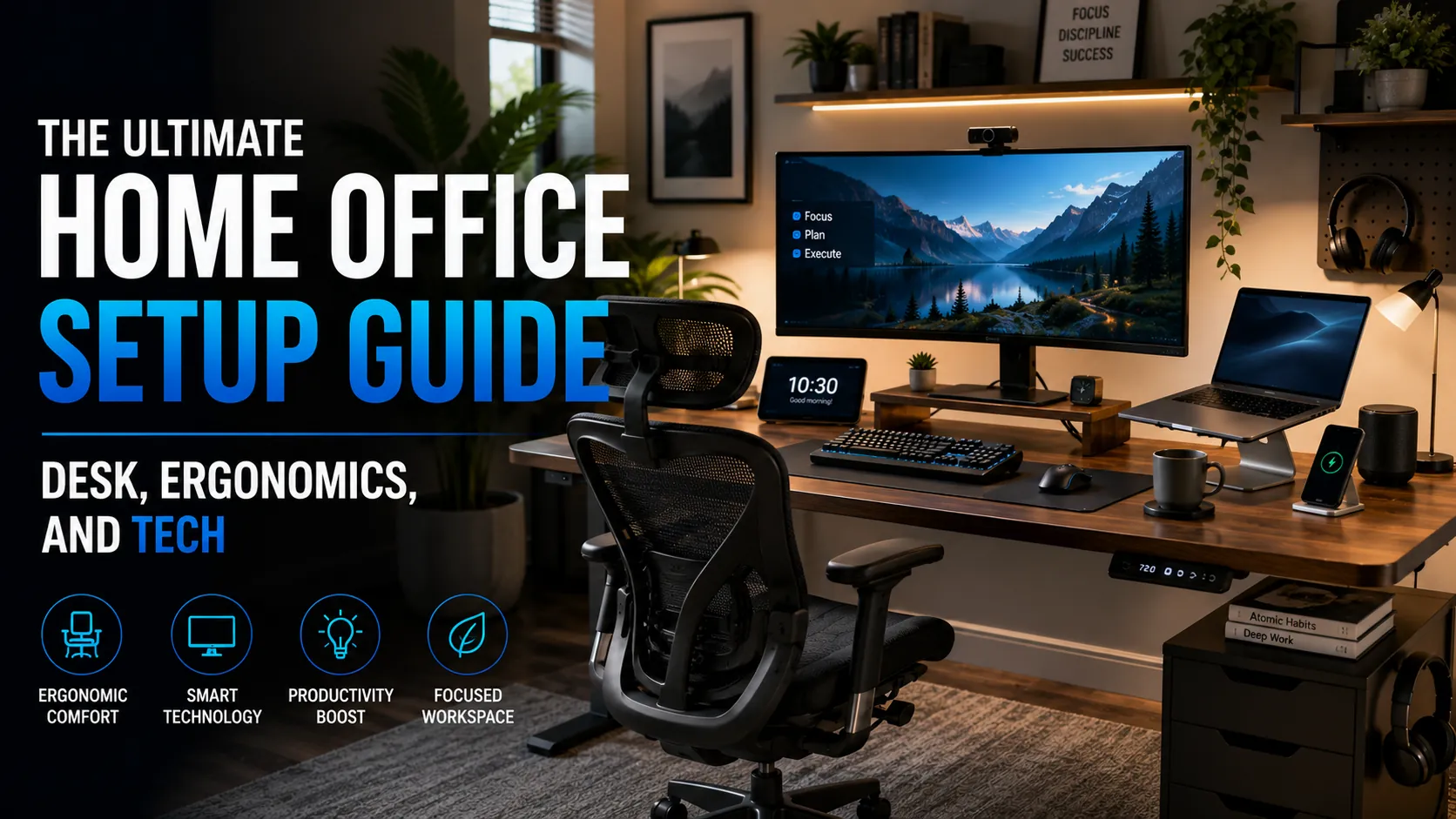
A bad home office setup costs more than money. The wrong chair destroys your posture across thousands of hours. Poor lighting makes you look exhausted to everyone on video calls. A laptop microphone tanks your professional credibility on every call. A weak internet connection fragments your focus twenty times per day.
A properly designed home office is one of the best investments a remote worker can make. The setup pays back daily for years. This guide covers every layer of a high-performance home office in 2026, from the ergonomic fundamentals to the tech that makes remote work feel genuinely professional.
Layer 1: Desk and Chair, The Non-Negotiable Foundation
The Desk
For anyone working more than 4 hours per day at a desk, a height-adjustable standing desk is the most impactful ergonomic upgrade available. The evidence on alternating between sitting and standing throughout the day is consistent: lower back pain decreases, focus improves, and the metabolic health risks of prolonged sitting reduce significantly.
| Budget Tier | Best Options | Price Range |
|---|---|---|
| Budget | Fezibo, Vivo Electric | $280 to $400 |
| Best Value | FlexiSpot E7 Pro, Fully Jarvis | $400 to $600 |
| Premium | Uplift V2 Commercial, Branch Standing Desk | $700 to $1,200 |
Minimum recommended desk dimensions: 60 inches wide and 30 inches deep. Width matters most for multi-monitor setups. A desk narrower than 55 inches forces monitors too close to your face or eliminates usable workspace. Solid steel frames with dual-motor systems are worth the premium over budget single-motor options for long-term reliability.
The Chair: The Most Important Investment in Your Setup
Most people spend more on their desk than their chair. This is backwards. You sit in your chair 8 hours per day. The cumulative impact of a bad chair on posture, back health, and focus is enormous. The minimum you should spend on a chair for full-time work is $300. The quality jump at that price point is real and worth every dollar.
| Budget Range | Best Chairs | Key Feature |
|---|---|---|
| $300 to $500 | Branch Ergonomic, Hyken (Costco), HM Aeron (refurb) | Adjustable lumbar, mesh back, armrests |
| $500 to $800 | Steelcase Leap V2, Humanscale Freedom | Best lumbar support, LiveBack technology |
| $800 to $1,500 | Herman Miller Aeron, Embody | Best long-term comfort, 12-year warranty |
Chair setup is as important as the chair itself. Adjust seat height so your feet are flat on the floor or a footrest. Position the monitor so the top third of the screen is at eye level. Set armrests at elbow height while typing. Ninety percent of chair-related back pain comes from incorrect setup, not the chair brand.
Layer 2: Monitors and Visual Ergonomics
A second monitor increases knowledge worker productivity by 20 to 30% in productivity research going back to the 2000s. The efficiency gains from not window-switching every minute are immediate. The question in 2026 is not whether to add a monitor, but which configuration suits your work style.
Dual Monitor Setup
Two 27-inch displays is the most popular configuration for remote professionals in 2026. One primary monitor for the main work surface (code, documents, design). One secondary for reference, communication, and monitoring.
- Best value: LG 27UK850 or Dell U2722D. 27-inch, 4K, USB-C 90W charging, excellent color accuracy. $350 to $500 each.
- Budget: Any 24 to 27-inch IPS panel from LG, Dell, or ASUS in 1080p or 1440p. $150 to $250.
Ultrawide Single Monitor
A 34 to 38-inch ultrawide replaces two monitors with one screen, eliminating the bezel gap and providing a more immersive workspace. LG 34WP65C-B and Samsung Odyssey G8 Ultra are strong options at $400 to $700. Ultrawides are particularly strong for developers and designers who benefit from seeing more context simultaneously.
Monitor Arms Are Non-Optional
A monitor arm (Ergotron LX, Amazon Basics arm) frees 30% of desk surface, allows precise ergonomic positioning, and looks significantly cleaner than stock monitor stands. Any monitor setup benefits from arms. Budget $40 to $90 per monitor arm.
Layer 3: Audio for Professional Video Calls
Audio quality on video calls signals professionalism more powerfully than any other element of your home office. Laptop microphones capture room echo, keyboard clicks, and background noise. They make you sound like you are calling from a bathroom. A $60 USB microphone eliminates all of that permanently.
Microphone Recommendations
- Best value ($60 to $100): Blue Yeti Nano, Rode NT-USB Mini, Elgato Wave:1. Cardioid pattern, USB, clean audio, works immediately without drivers.
- Budget ($30 to $50): FIFINE K678, Razer Seiren Mini. Functional for calls, noticeably better than laptop microphone.
- Headset alternative ($100 to $250): Jabra Evolve2 40, Poly Voyager Focus 2. Professional headset with boom mic, active noise cancellation, and all-day comfort.
Noise Cancellation Software
If you work in a noisy environment, Krisp AI or NVIDIA RTX Voice run as a software layer that removes background noise from any microphone in real time. Krisp works on any device and has a free tier. For users who cannot get a quiet workspace, this is one of the most impactful software purchases available.
Layer 4: Webcam and Lighting
Webcam
Built-in laptop webcams in 2026 are typically 720p to 1080p but positioned at screen height, which creates an unflattering chin-up angle. An external webcam at eye level, even the same resolution, looks dramatically better.
- Best value ($70 to $100): Logitech C920 (the category standard for good reason) or Logitech C922 Pro.
- Premium ($150 to $220): Logitech Brio 4K, Elgato Facecam Pro. Worth it for creators who also record content.
Lighting: The Highest-ROI Visual Upgrade
Proper lighting changes how you appear on video more dramatically than any camera upgrade. The most common home office lighting mistake is a window behind you, which turns you into a silhouette. Light must come from in front, at eye level or slightly above, to illuminate your face.
- Best value ($60 to $130): Elgato Key Light Air, Neewer 18-inch LED ring light with arm. Adjustable color temperature (match your room lighting), adjustable brightness.
- Budget ($20 to $40): Any adjustable LED desk lamp aimed at your face from in front. 5,000K daylight temperature works well.
Layer 5: Connectivity and Peripherals
Internet Connection
A wired ethernet connection always outperforms Wi-Fi for video call stability, upload consistency, and latency. A $30 USB-C to ethernet adapter and a cable run to your router eliminates connection drops permanently. If wiring is not possible, position your laptop or a Wi-Fi 6 access point as close to your router as practical. Mesh networks (Eero, Google Nest) improve coverage in homes where the router cannot reach the office.
Keyboard and Mouse
- Best overall keyboard: Logitech MX Keys S ($110). Wireless, quiet, excellent tactile response, backlit, multi-device.
- Best ergonomic keyboard: Logitech Ergo K860 ($130). Split design with integrated wrist rest.
- Best mouse: Logitech MX Master 3S ($100). Programmable buttons, ergonomic shape, works on any surface, multi-device.
Docking Station
A docking station or USB-C hub converts your laptop into a desktop: one cable connection to your laptop, all monitors, keyboard, mouse, ethernet, webcam, and storage connected through the dock. Anker PowerExpand ($60 to $120) covers most setups. CalDigit TS4 ($250) is the premium option for Thunderbolt 4 with charging and multiple 4K displays.
Complete Budget Tiers
| Tier | What Is Included | Total Budget |
|---|---|---|
| Starter | Basic standing desk ($400), quality chair ($350), 1080p webcam ($70), USB mic ($70), single 1440p monitor ($250), monitor arm ($50) | $1,190 |
| Mid-Range | Standing desk ($600), premium chair ($600), 4K monitor pair ($800), desk lamp ($50), professional USB mic ($100), 1080p webcam ($90), docking station ($120) | $2,360 |
| Professional | Premium standing desk ($1,000), Herman Miller/Steelcase chair ($1,000), 4K ultrawide ($700), Elgato Key Light ($130), broadcast-level mic ($150), 1080p60 webcam ($220), CalDigit dock ($250) | $3,450 |
6 Common Home Office Mistakes
- Spending on the desk before the chair. The chair is the highest ergonomic priority. Spend here first, even if it means a cheaper desk.
- Monitor too low. Most people position monitors too low, causing a chronic chin-down posture that creates neck and upper back strain. The top third of the screen should be at eye level.
- Window behind you on calls. Backlighting is the enemy of good video presence. Move your desk so light comes from in front or to the side.
- Using laptop audio for professional calls. Built-in microphones create an unprofessional impression. A $60 USB microphone is the single fastest ROI upgrade available.
- Neglecting cable management. Cable clutter creates visual noise that reduces focus. Cable trays ($15), velcro ties ($10), and a cable box ($20) are cheap and transformative.
- No physical separation from living space. Working from a kitchen table or bed blurs work-life boundaries and reduces focus. Even a corner with a dedicated desk and specific setup improves both productivity and mental health.
Frequently Asked Questions
What is the most important home office investment?
An ergonomic chair delivers the best long-term return. You will spend more cumulative hours in your chair than interacting with any other piece of equipment. Back problems from poor seating accumulate slowly, cost significantly to address, and are largely preventable. After the chair, a standing desk is the second-highest impact investment.
How do I instantly improve my video call quality?
Two changes deliver immediate dramatic improvement: fix your lighting (light from in front, not behind) and upgrade your microphone (any $50 USB microphone beats a laptop mic). These two changes, which cost $70 to $150 combined, change how colleagues and clients perceive you more dramatically than any camera upgrade.
Do I need a standing desk?
If you sit for more than 4 hours daily at a desk, a standing desk reduces back pain, improves afternoon energy, and decreases the health risks of prolonged sitting. The evidence is strong enough to recommend one for full-time knowledge workers. If budget is a constraint, prioritize the chair first and add a standing desk when budget allows. The Jarvis at $500 is the most recommended entry-level option for full-time use.
Build the Office Your Work Deserves
A home office is a professional workspace. Treating it like one, with proper ergonomics, professional audio and video, reliable connectivity, and a dedicated space, pays back daily in health, focus, and professional reputation. The total investment for a well-equipped setup is smaller than most people expect, and the returns over a multi-year career compound significantly.
For the broader picture on distributed work culture, hybrid team practices, and remote work tools, read our pillar: The Future of Remote Work in 2026. More productivity and career guides live on PostoryCafe.com.
A great home office is more than a desk and chair it’s an investment in your productivity, health, and long-term career success. Start with ergonomics, upgrade your technology strategically, and build a workspace that helps you perform at your best every day.
→ Explore More Remote Work & Productivity Guides on PostoryCafe.