
A slow website does not just frustrate visitors. It loses money. Google’s own research shows that when page load time goes from one second to three seconds, bounce probability jumps by 32%. Push it to five seconds and bounce probability rises 90%.
Core Web Vitals are Google’s way of measuring whether your site actually feels fast to real users. They are also a confirmed ranking factor. Sites that score well in Core Web Vitals rank higher, convert better, and retain more users than sites that ignore them.
This developer-friendly guide walks through each Core Web Vital, shows exactly how to diagnose problems, and gives you the specific code-level fixes that work in 2026. No vague “optimize your images” advice. Real, implementable solutions.
What Are Core Web Vitals?
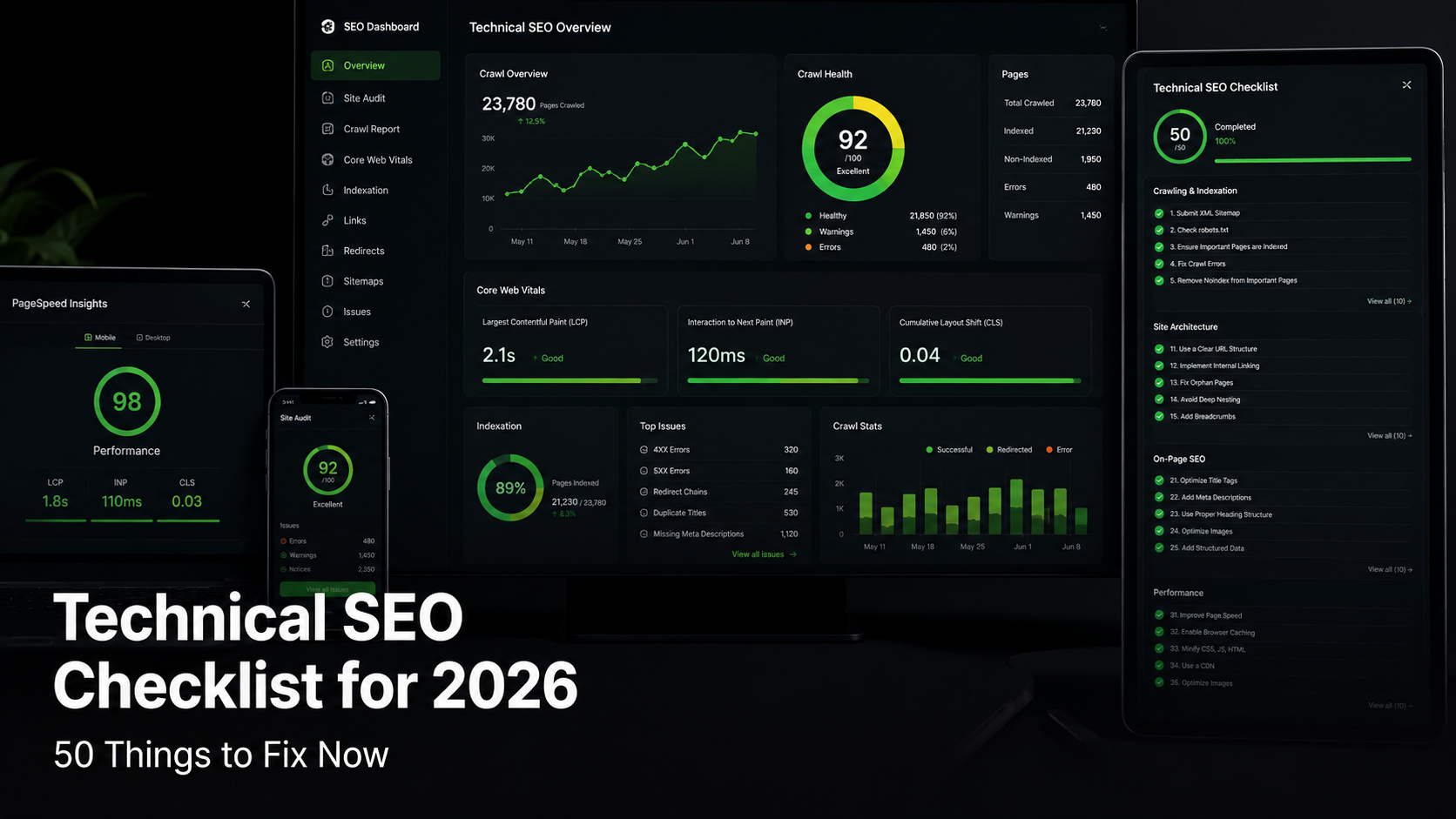
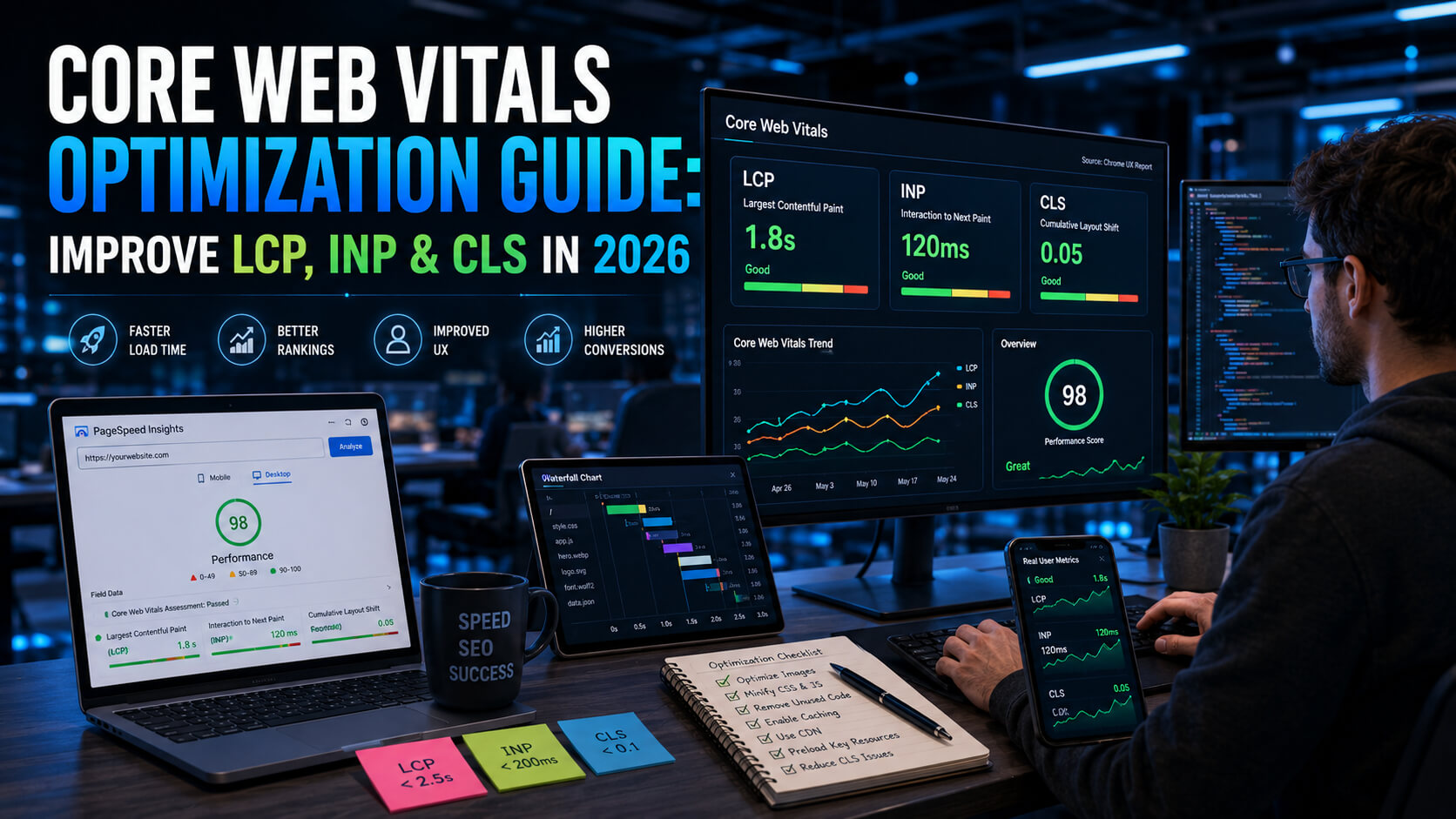
Core Web Vitals are three metrics Google uses to measure user experience on web pages. They focus on loading speed, interactivity, and visual stability. Every modern SEO audit starts here.
| Metric | What It Measures | Good Target | Needs Improvement |
|---|---|---|---|
| LCP (Largest Contentful Paint) | Time until the main content loads | Under 2.5s | 2.5s to 4.0s |
| INP (Interaction to Next Paint) | Page responsiveness to user input | Under 200ms | 200ms to 500ms |
| CLS (Cumulative Layout Shift) | Visual stability during load | Under 0.1 | 0.1 to 0.25 |
A site passes Core Web Vitals when 75% of page loads fall into the “good” range for all three metrics. Google measures this through real-user data in the Chrome User Experience Report (CrUX), not lab tests.
LCP Optimization: Making Your Main Content Load Fast
Largest Contentful Paint measures how quickly the biggest element on your page (usually a hero image, headline, or video) becomes visible. Most LCP problems come from three sources: slow server response, render-blocking resources, or unoptimized images.
Step 1: Find the LCP Element
Open Chrome DevTools, go to the Performance tab, and run a page load trace. The LCP element is labeled in the trace timeline. Most of the time it is your hero image or an H1 heading.
A faster way: use the Web Vitals Chrome extension. It highlights the LCP element directly in the browser and reports the exact time it took to render.
Step 2: Optimize Server Response Time (TTFB)
If Time to First Byte exceeds 800ms, your server is the bottleneck.
Fixes that work:
- Upgrade from shared hosting to a VPS, managed WordPress host, or edge platform (Vercel, Cloudflare Pages, Netlify).
- Enable full-page caching on dynamic sites. Cloudflare, Fastly, and Varnish can cache most page responses at the edge.
- Add a CDN in front of your origin. Static assets served from edge locations reach users in tens of milliseconds.
- Remove unnecessary database queries. Tools like Query Monitor (WordPress) or APM dashboards (Datadog, New Relic) expose slow queries that run on every page load.
Step 3: Preload Critical Resources
Tell the browser to fetch your LCP image, hero font, and critical CSS before it discovers them naturally in the HTML. This simple change often cuts LCP by 500ms to 1 second.
Add this inside your HTML head:
<link rel="preload" as="image" href="/images/hero.webp" fetchpriority="high">

<link rel="preload" as="font" href="/fonts/inter-var.woff2" type="font/woff2" crossorigin>
The new fetchpriority=”high” attribute on your LCP image tells Chrome to prioritize it above other images. This is one of the highest-impact single-line fixes available in 2026.
Step 4: Serve Modern Image Formats
WebP images are 25% to 35% smaller than JPEG at the same visual quality. AVIF images are 50% smaller than JPEG. Both are supported in all modern browsers.
Use the picture element to serve the best format each browser supports:
<picture>
  <source srcset="hero.avif" type="image/avif">
  <source srcset="hero.webp" type="image/webp">
  <img src="hero.jpg" alt="...">
</picture>
Step 5: Remove Render-Blocking CSS and JavaScript
Render-blocking files delay the browser from painting visible content. Many WordPress themes and frontend frameworks still ship huge CSS bundles users never actually need.
Fixes that work:
- Inline critical CSS for above-the-fold content.
- Defer non-critical JavaScript with defer or async.
- Remove unused CSS using tools like PurgeCSS or Lightning CSS.
- Split large JavaScript bundles into route-level chunks.
- Delay third-party scripts (chat widgets, analytics, heatmaps) until after user interaction.
Step 6: Use Server-Side Rendering or Edge Rendering
Client-side rendered apps often suffer terrible LCP because the browser waits for JavaScript before showing meaningful content.
Frameworks like Next.js, Nuxt, SvelteKit, and Remix now support hybrid rendering strategies that dramatically improve Core Web Vitals.
Best practice in 2026:
- Render important content server-side.
- Stream HTML progressively where possible.
- Cache rendered pages at the edge.
- Hydrate only interactive components.
INP Optimization: Making Your Site Feel Responsive
Interaction to Next Paint replaced First Input Delay (FID) as Google’s responsiveness metric. INP measures how quickly the page visually responds after a user clicks, taps, or types.
A slow INP usually means JavaScript is blocking the main thread.
Common Causes of Poor INP
- Large JavaScript bundles.
- Expensive event handlers.
- Too many React re-renders.
- Heavy client-side hydration.
- Third-party scripts blocking execution.
Fixing Long JavaScript Tasks
Chrome DevTools highlights long tasks in red inside the Performance panel.
Anything over 50ms deserves investigation.
Fixes that work:
- Break large tasks into smaller chunks.
- Use requestIdleCallback for low-priority work.
- Move expensive calculations into Web Workers.
- Virtualize long lists with libraries like react-window.
- Reduce unnecessary state updates in React or Vue apps.
Example: Breaking Up a Heavy Task
function processLargeArray(items) {
  let index = 0;

  function processChunk() {
    const chunkSize = 100;

    for (let i = 0; i < chunkSize && index < items.length; i++) {
      heavyOperation(items[index]);
      index++;
    }

    if (index < items.length) {
      requestIdleCallback(processChunk);
    }
  }

  processChunk();
}
This keeps the UI responsive instead of freezing the browser for several seconds.
CLS Optimization: Preventing Layout Shift
Cumulative Layout Shift measures how much elements unexpectedly move while the page loads.
Users hate CLS because it causes accidental clicks and makes pages feel unstable.
Common Causes of CLS
- Images without width and height attributes.
- Ads loading late.
- Dynamically injected banners.
- Web fonts causing text reflow.
- Lazy-loaded embeds resizing after render.
Fixes that work:
- Always define image dimensions.
- Reserve space for ads and embeds.
- Use font-display: swap carefully.
- Preload critical fonts.
- Avoid inserting UI above existing content.
Correct Image Sizing Example
<img
  src="hero.webp"
  width="1200"
  height="630"
  alt="Hero image"
>
Modern browsers now calculate aspect ratio automatically when dimensions are present.
Best Tools for Measuring Core Web Vitals
| Tool | Best For | Free? |
|---|---|---|
| PageSpeed Insights | Quick audits with field + lab data | Yes |
| Lighthouse | Developer debugging in Chrome | Yes |
| Chrome DevTools | Deep performance profiling | Yes |
| WebPageTest | Advanced waterfall and rendering analysis | Yes |
| GTmetrix | Visual performance tracking | Freemium |
| CrUX Dashboard | Real-user Chrome performance data | Yes |
Each tool measures slightly differently. Lighthouse is lab data. CrUX is real-user data. Always prioritize real-user data when making SEO decisions.
WordPress Core Web Vitals Optimization
Most WordPress performance problems come from bloated themes and plugins, not WordPress itself.
High-Impact WordPress Fixes
- Use lightweight themes like GeneratePress, Kadence, or Astra.
- Replace Elementor-heavy pages where possible.
- Use WP Rocket or FlyingPress for caching and optimization.
- Convert images automatically to WebP or AVIF.
- Host fonts locally instead of loading Google Fonts externally.
- Limit third-party plugins aggressively.
- Use Cloudflare APO or edge caching.
A modern WordPress site can easily score 90+ on mobile Core Web Vitals with the right stack.
JavaScript Framework Performance in 2026
Framework choice affects Core Web Vitals dramatically.
| Framework | Core Web Vitals Performance | Notes |
|---|---|---|
| Next.js | Excellent | Strong SSR and streaming support |
| Astro | Outstanding | Ships minimal JavaScript |
| SvelteKit | Excellent | Small hydration footprint |
| Remix | Very strong | Optimized server rendering |
| Nuxt | Excellent | Mature Vue SSR ecosystem |
| CRA / older SPA setups | Weak | Heavy client-side rendering |
The industry trend is moving toward server-first rendering and partial hydration.
6 Common Core Web Vitals Mistakes
- Optimizing only desktop scores. Google evaluates mobile performance first.
- Chasing Lighthouse scores blindly. A perfect synthetic score means little if real-user metrics are poor.
- Ignoring third-party scripts. Ad networks and tracking tools are often the biggest bottleneck.
- Loading every font variation. Most sites only need one or two weights.
- Using oversized images. Uploading 4000px images for a 600px container destroys LCP.
- Forgetting performance budgets. Teams need hard limits on JavaScript size, image weight, and requests.
Expert Tips for Long-Term Performance
- Monitor Core Web Vitals continuously, not once per year.
- Set performance budgets in CI/CD pipelines.
- Measure real-user performance with RUM tools.
- Optimize templates, not just individual pages.
- Test on slow mobile devices, not just MacBooks.
- Treat performance as a product feature, not an SEO trick.
Frequently Asked Questions
Are Core Web Vitals still important in 2026?
Yes. Google continues using Core Web Vitals as part of its page experience signals, and user expectations for speed are even higher now than when the metrics launched. Fast sites rank better, convert better, and retain users longer.
What is the most important Core Web Vital?
LCP usually has the biggest impact because it directly affects perceived loading speed. However, poor INP can make a site feel broken even if it loads quickly. All three metrics matter together.
What is a good Core Web Vitals score?
- LCP: under 2.5 seconds
- INP: under 200 milliseconds
- CLS: under 0.1
Google recommends passing all three metrics for at least 75% of real-user visits.
Does Core Web Vitals affect SEO rankings?
Yes. Core Web Vitals are part of Google’s page experience ranking system. Content relevance still matters more, but when multiple pages have similar relevance, performance can influence rankings.
How often should I test website performance?
Continuously. Modern teams monitor Core Web Vitals in production with real-user monitoring tools and review performance after every major deployment.
Fast Websites Win
Performance is no longer optional. Users expect pages to feel instant, especially on mobile devices and slower networks.
The websites that win in 2026 are not just visually impressive. They load fast, respond immediately, and stay stable while users interact with them.
Core Web Vitals provide a measurable framework for building that experience. Optimize them consistently, and you improve SEO, conversion rates, retention, and overall product quality at the same time.
For more technical SEO, frontend performance, and web development guides, explore the rest of PostoryCafe.com.