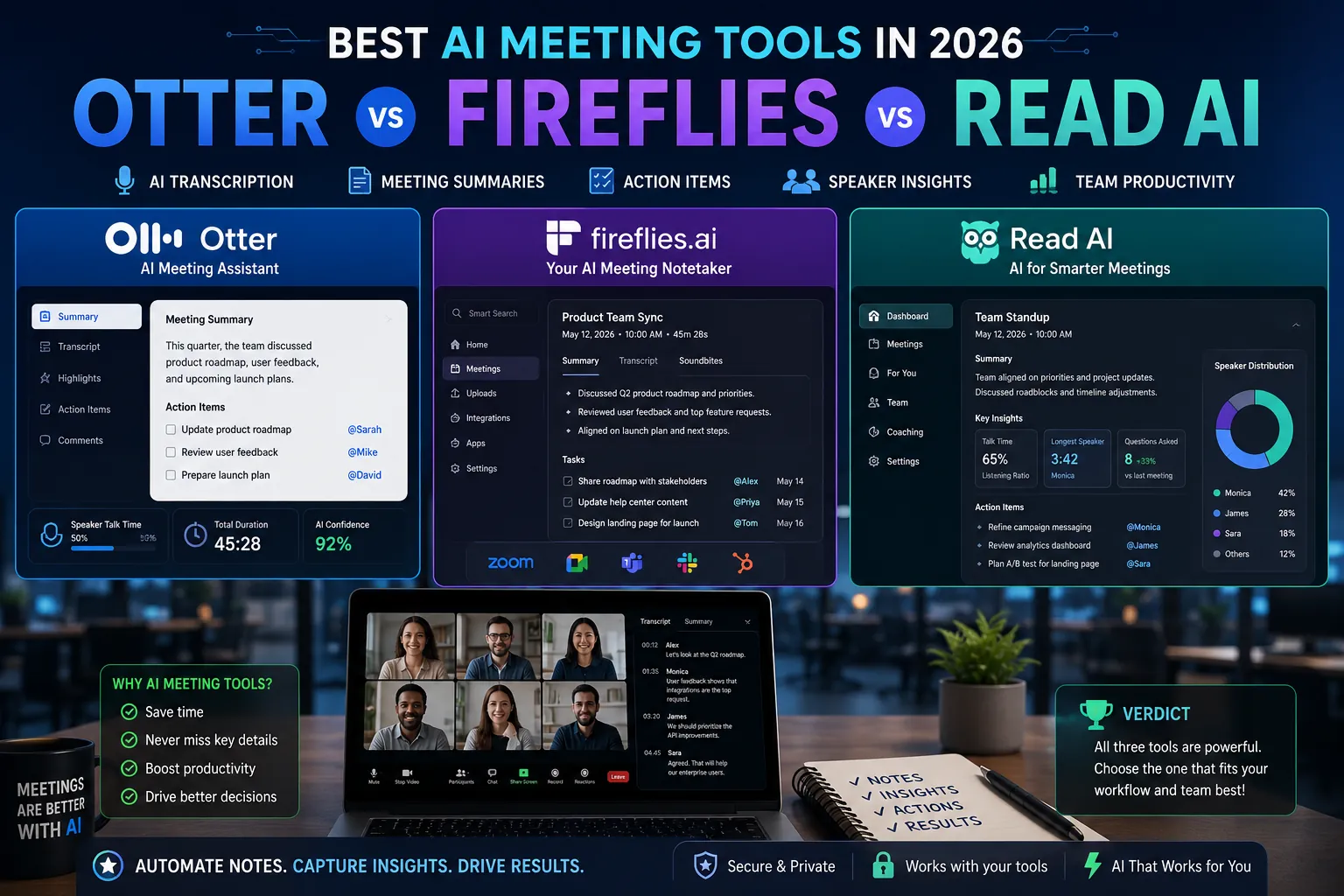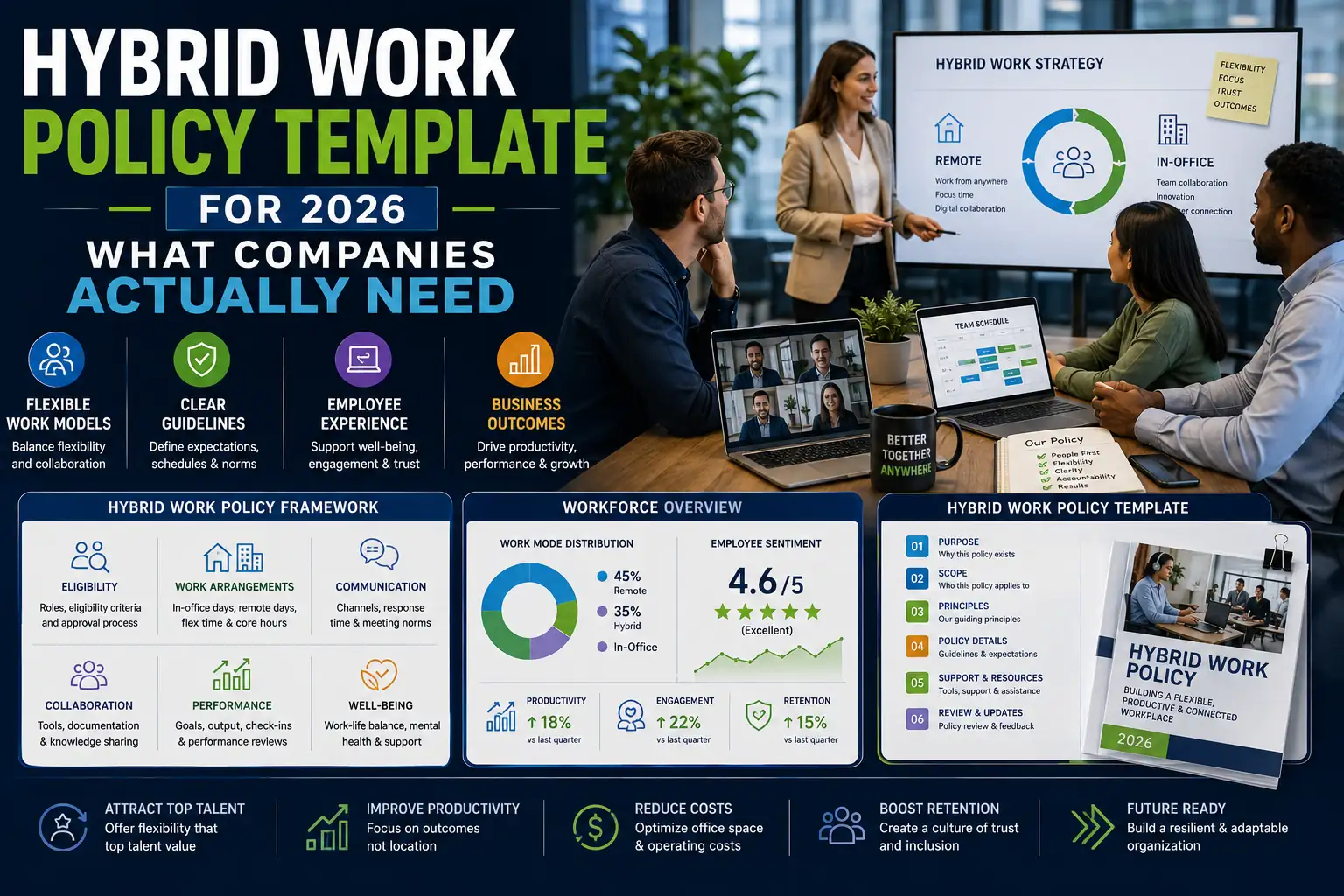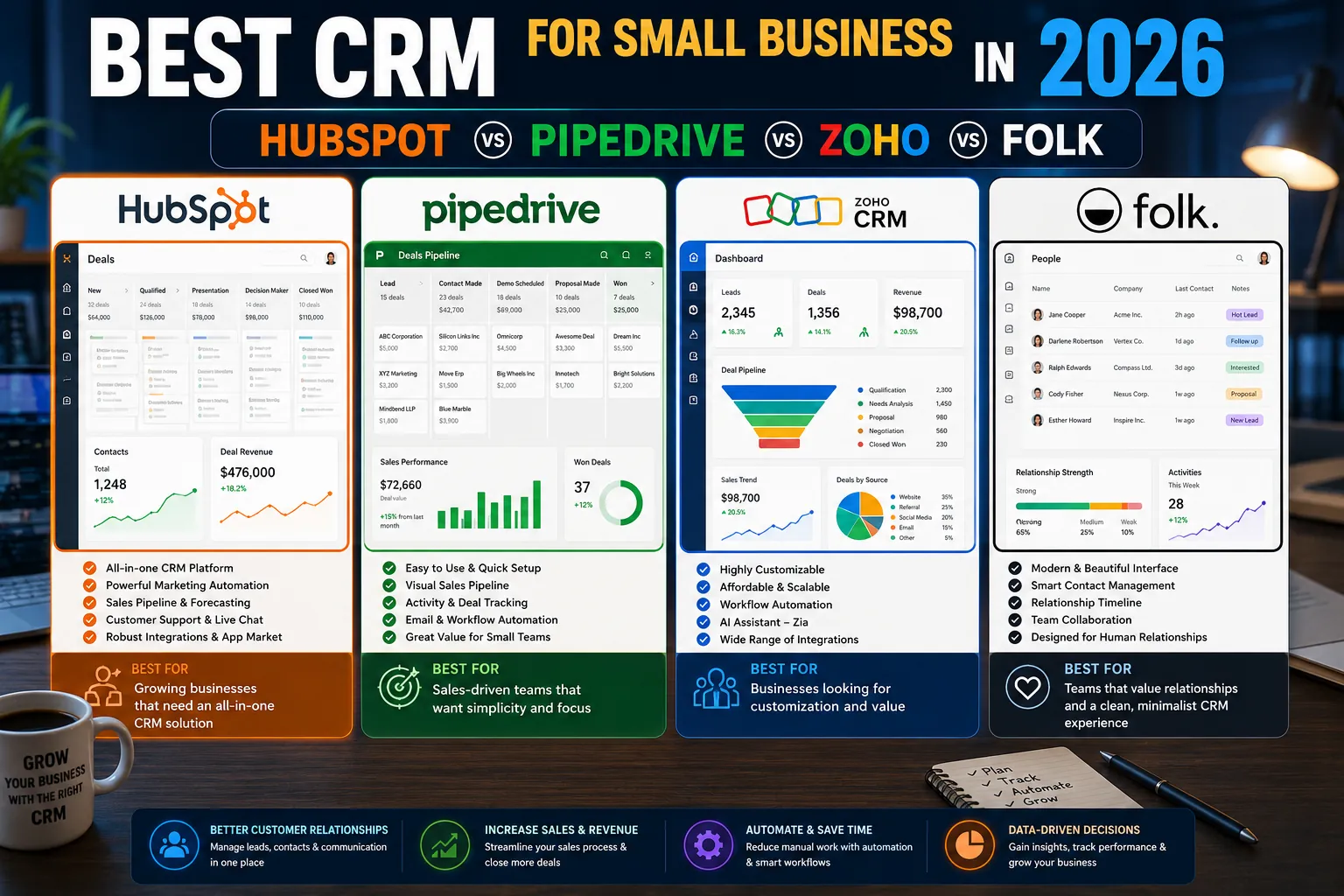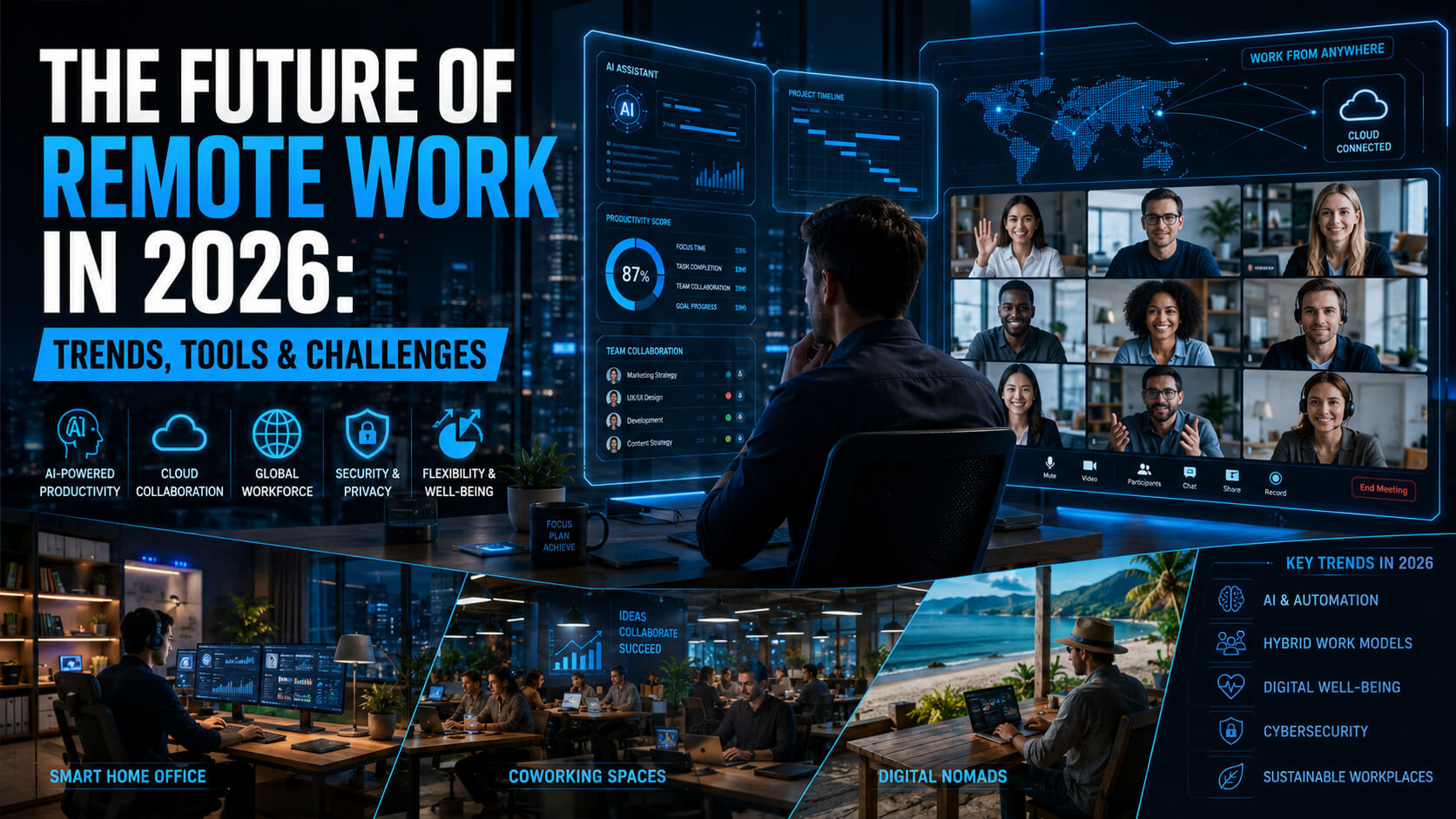
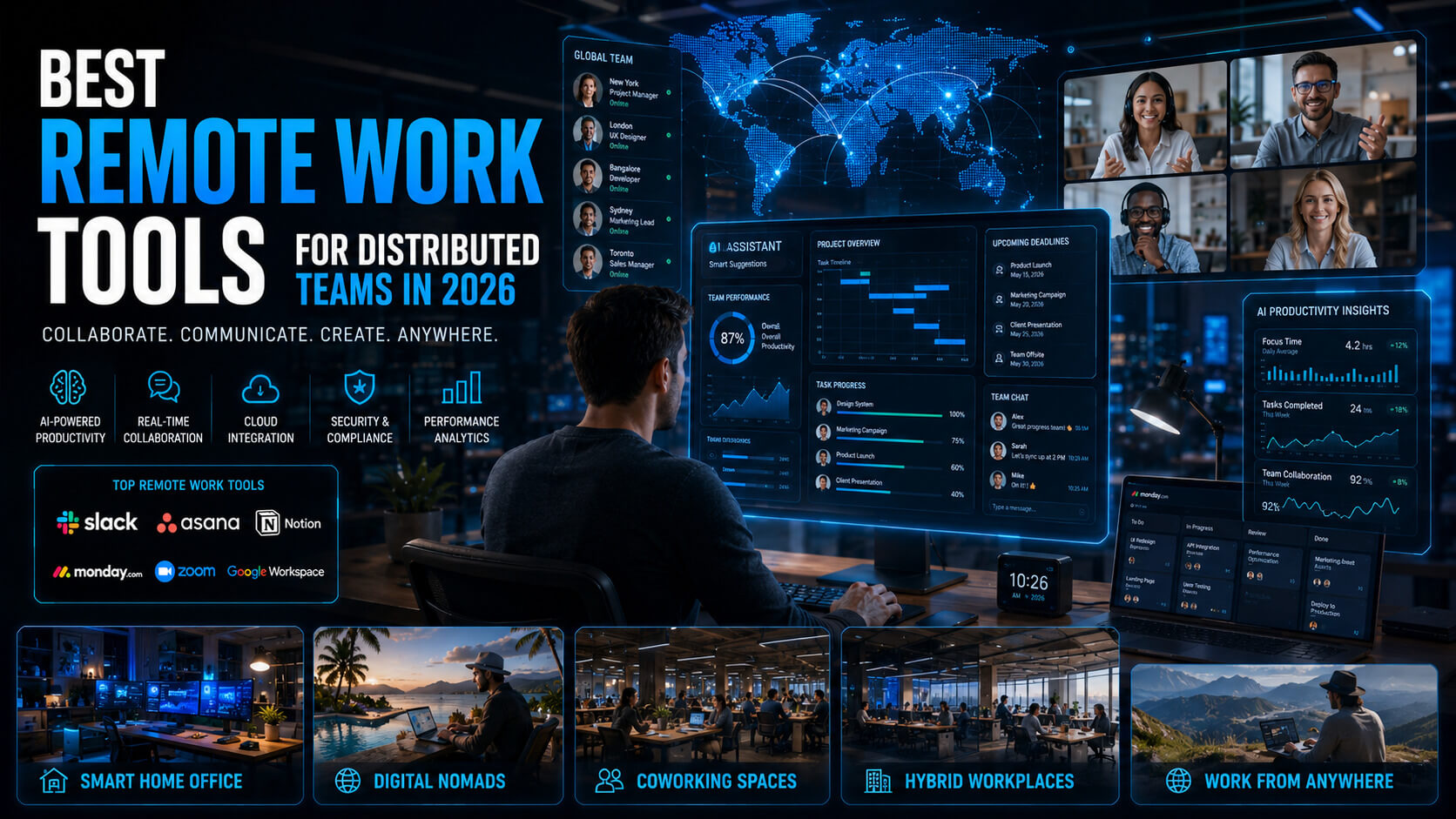
Most remote work tool guides list every app ever made and call it a day. This one is different. It focuses on the specific combination of tools that help distributed teams work well: not just communicate, but make decisions, move fast, and stay aligned across time zones.
The teams that run distributed operations well in 2026 are not using more tools. They are using fewer, better-chosen tools with clear purposes and consistent habits around them.
Tooling is not the challenge. Discipline around which tool does what job is the challenge.
This guide covers the essential remote work stack by category, with honest trade-offs and specific recommendations. It ends with the minimal viable stack for a small team and a decision framework for growing ones.
The 6 Categories Every Distributed Team Needs
A functional remote work stack covers six distinct jobs. Teams that conflate them (using Slack for project management, treating Google Docs as a wiki, running meetings where decisions should be async) end up with disorganized workflows and frustrated employees.
| Category | Job to Be Done | Common Mistake |
|---|---|---|
| Real-time communication | Urgent questions, quick updates, social connection | Using it for everything and creating constant interruptions |
| Async video | Explaining updates without meetings | Scheduling a call instead |
| Project management | Ownership, deadlines, visibility | Using chat channels as to-do lists |
| Documentation | Decisions, onboarding, institutional memory | Only documenting when things break |
| Real-time collaboration | Brainstorming, design, workshops | Using plain documents for creative sessions |
| AI assistant layer | Drafting, summarizing, coding, research | Treating AI as optional instead of standard workflow |
Real-Time Communication: Slack vs Microsoft Teams
Slack and Microsoft Teams dominate distributed team communication in 2026. The right choice depends largely on the rest of your stack and your company’s operating style.
Slack
Slack remains the preferred communication tool for startups, engineering-heavy teams, and product-led organizations.
Why Teams Choose Slack
- Over 2,600 integrations including GitHub, Jira, Salesforce, and Notion
- Flexible channel structures
- Better search functionality
- Advanced notification controls
- Threaded conversations that reduce channel chaos
Pricing
- Free tier with 90-day message history
- Pro: $7.25/user/month
- Business+: $12.50/user/month
Best For
- Technical teams
- Fast-moving startups
- Organizations using many third-party apps
Microsoft Teams
Teams dominates enterprises already invested in Microsoft 365.
Why Enterprises Choose Teams
- Deep integration with Word, Excel, Outlook, SharePoint, and OneDrive
- Strong compliance and governance controls
- Better suited for regulated industries
- Native meeting recording and transcription
Best For
- Enterprises
- Finance and healthcare organizations
- Microsoft-first IT environments
The Verdict
- Choose Slack for product, startup, and engineering cultures.
- Choose Teams for enterprise environments and compliance-heavy organizations.
Async Video: Loom and the End of Unnecessary Meetings
Async video became one of the most important workflow changes in remote work.
A good 3-minute Loom video often replaces a 30-minute meeting.
Loom
Loom remains the category leader in 2026.
Standout Features
- Simultaneous screen and webcam recording
- Instant shareable links
- AI-generated transcripts
- Action-item summaries
- Video comments tied to specific timestamps
Integrations
- Slack
- Notion
- Jira
- Google Workspace
Pricing
- Free tier available
- Business plan: $12.50/user/month
Best Habit to Build
Replace “quick sync calls” with Loom recordings whenever possible.
Teams that adopt async video aggressively usually reduce meeting load within weeks.
Other Async Video Tools Worth Knowing
Vimeo Record
Better for polished presentations and external-facing recordings.
Claap
Strong for collaborative design reviews and structured async feedback.
Tella
Clean interface and excellent for external communication videos.
Project Management: The Three Tools That Actually Matter
Project management tools became highly specialized by team type.
Linear (Best for Engineering Teams)
Linear became the fastest-growing project management platform among product and engineering organizations.
Why Developers Love It
- Fast keyboard-first workflow
- Minimal admin overhead
- Sprint-focused structure
- Excellent GitHub integration
- Built-in roadmap and cycle planning
Pricing
- Starts at $8/user/month
Best For
- Software teams
- Product organizations
- Agile engineering workflows
Notion (Best All-in-One Workspace)
Notion combines documentation, project management, databases, and wikis into one flexible workspace.
Why Teams Choose Notion
- Replaces multiple tools at once
- AI-powered knowledge search
- Highly customizable workflows
- Excellent for small and mid-sized teams
Trade-Off
Notion requires more setup time than Linear or Asana.
Pricing
- Free tier available
- Plus plan: $10/user/month
Best For
- Cross-functional teams
- Startups
- Knowledge-heavy organizations
Asana (Best for Operations and Marketing)
Asana excels for structured operational work.
Strengths
- Timeline planning
- Approval workflows
- Reporting dashboards
- Cross-functional coordination
Pricing
- Free tier available
- Premium: $10.99/user/month
Best For
- Marketing teams
- Operations
- HR and process-heavy work
Documentation: The Infrastructure Most Teams Ignore
Distributed teams fail when knowledge lives only in Slack messages and people’s heads.
Documentation is infrastructure.
Notion vs Confluence
Notion
Dominates startups and modern mid-sized companies.
Advantages
- Faster writing experience
- Flexible organization
- AI-powered search
- Better modern integrations
Confluence
Still dominates large enterprises using Atlassian products.
Advantages
- Enterprise permissions and governance
- Tight Jira integration
- Strong compliance controls
Best Rule to Follow
If a decision matters, document it within 24 hours.
That single habit matters more than the platform itself.
Real-Time Collaboration: Figma and Miro
Figma and FigJam
Figma dominates collaborative design in 2026.
FigJam handles:
- Brainstorming
- Workshops
- Retrospectives
- Planning sessions
Pricing
- Figma Starter: Free
- Professional: $12/editor/month
Best For
- Product teams
- Designers
- Collaborative prototyping
Miro
Miro works especially well for strategy and workshop facilitation.
Strengths
- Strong template library
- Easier for non-designers
- Excellent for mapping and planning sessions
Pricing
- Free tier: 3 boards
- Starter: $8/user/month
Rule of Thumb
- Use Figma for design outputs.
- Use Miro or FigJam for shared understanding and planning.
AI Tools: The Layer That Changed Remote Work
AI assistants became part of standard remote workflows in 2026.
| Use Case | Best Tool | Typical Time Saving |
|---|---|---|
| Writing drafts | Claude, ChatGPT | 1 to 3 hours per document |
| Meeting summaries | Otter.ai, Fireflies.ai | Eliminates manual notes |
| Code generation | GitHub Copilot, Claude Code | 20% to 40% faster coding |
| Research | Perplexity, ChatGPT | Hours reduced to minutes |
| Slide creation | Gamma, Claude in PowerPoint | Faster deck building |
| Email drafting | Claude, Grammarly, ChatGPT | 30% to 50% faster writing |
Important Reminder
The best teams use AI for:
- First drafts
- Research
- Summaries
- Repetitive tasks
Human review, judgment, and editing still matter.
The Minimal Viable Remote Stack for Small Teams
A 5-to-25-person team can operate effectively with surprisingly few tools.
| Need | Recommended Tool |
|---|---|
| Communication | Slack |
| Async video | Loom |
| Project management + docs | Notion |
| Meetings | Zoom or Google Meet |
| Collaboration | Figma |
| AI assistant | Claude or ChatGPT |
Typical Cost
For a 10-person team:
- Roughly $400 to $600/month total
That stack covers:
- Communication
- Documentation
- Collaboration
- Async updates
- AI-assisted workflows
Writing a Remote Work Tool Agreement
The best remote teams define clear rules for how tools are used.
A strong one-page agreement answers:
- Which tool handles which type of communication
- Expected response times
- When to use async vs meetings
- What belongs in documentation vs chat
Clear expectations prevent confusion and tool sprawl.
5 Common Remote Work Tool Stack Mistakes
Using Too Many Overlapping Tools
Every extra tool increases friction and onboarding complexity.
Using Slack as Documentation
Important decisions disappear quickly in chat threads.
Skipping Async Video
Many meetings should be short recordings instead.
Not Training Teams on AI Tools
Good prompting dramatically improves output quality.
Never Auditing the Stack
Review your tools annually and remove anything unused.
Expert Tips for Building a Better Remote Stack
Default to Over-Documenting
In distributed teams, unwritten information effectively does not exist.
Standardize New Hire Setup
Employees should have access to all core tools on day one.
Measure Meeting Hours
High-performing distributed teams aggressively limit unnecessary meetings.
Good Benchmark
- Under 8 hours/week of synchronous meetings for most individual contributors
Review the Stack Together
Quarterly team reviews reveal friction managers often miss.
Frequently Asked Questions
What Is the Best Project Management Tool for Remote Teams?
- Linear for engineering teams
- Asana for operations and marketing
- Notion for all-in-one flexibility
The best choice depends on your team’s workflow.
How Many Tools Does a Remote Team Actually Need?
Most teams under 25 people operate effectively with 5 to 6 core tools.
More tools create more context switching and onboarding friction.
Is Zoom Still the Best Video Tool in 2026?
Zoom remains dominant globally.
However:
- Google Meet works extremely well inside Google Workspace
- Microsoft Teams works well inside Microsoft 365
Zoom still leads for webinars and advanced meeting features.
Build Your Stack With Intention
The best distributed teams in 2026 are not the ones with the most software.
They are the ones with:
- Clear communication norms
- Minimal overlap
- Strong documentation habits
- Intentional async workflows
Start with the smallest stack that solves your actual problems. Add tools only when the existing workflow genuinely breaks.
A simpler stack used consistently beats a complicated stack nobody fully understands.
For the bigger picture on hybrid work culture, distributed team performance, and the future of remote work, read our pillar: The Future of Remote Work in 2026. More productivity and remote work guides live on PostoryCafe.com.