Google processes approximately 8.5 billion searches per day and crawls hundreds of billions of pages to maintain its index. Despite this scale, Semrush’s 2025 Site Audit Study of 170 million pages found that 65 percent of web pages have at least one critical technical SEO issue preventing optimal indexation or ranking. Ahrefs’ 2025 analysis of two million websites found that 90.63 percent of pages receive zero organic traffic from Google, with technical barriers being the primary preventable cause for pages with otherwise sufficient content quality. Technical SEO is not optional infrastructure: it is the foundation that determines whether any other marketing investment reaches its potential.
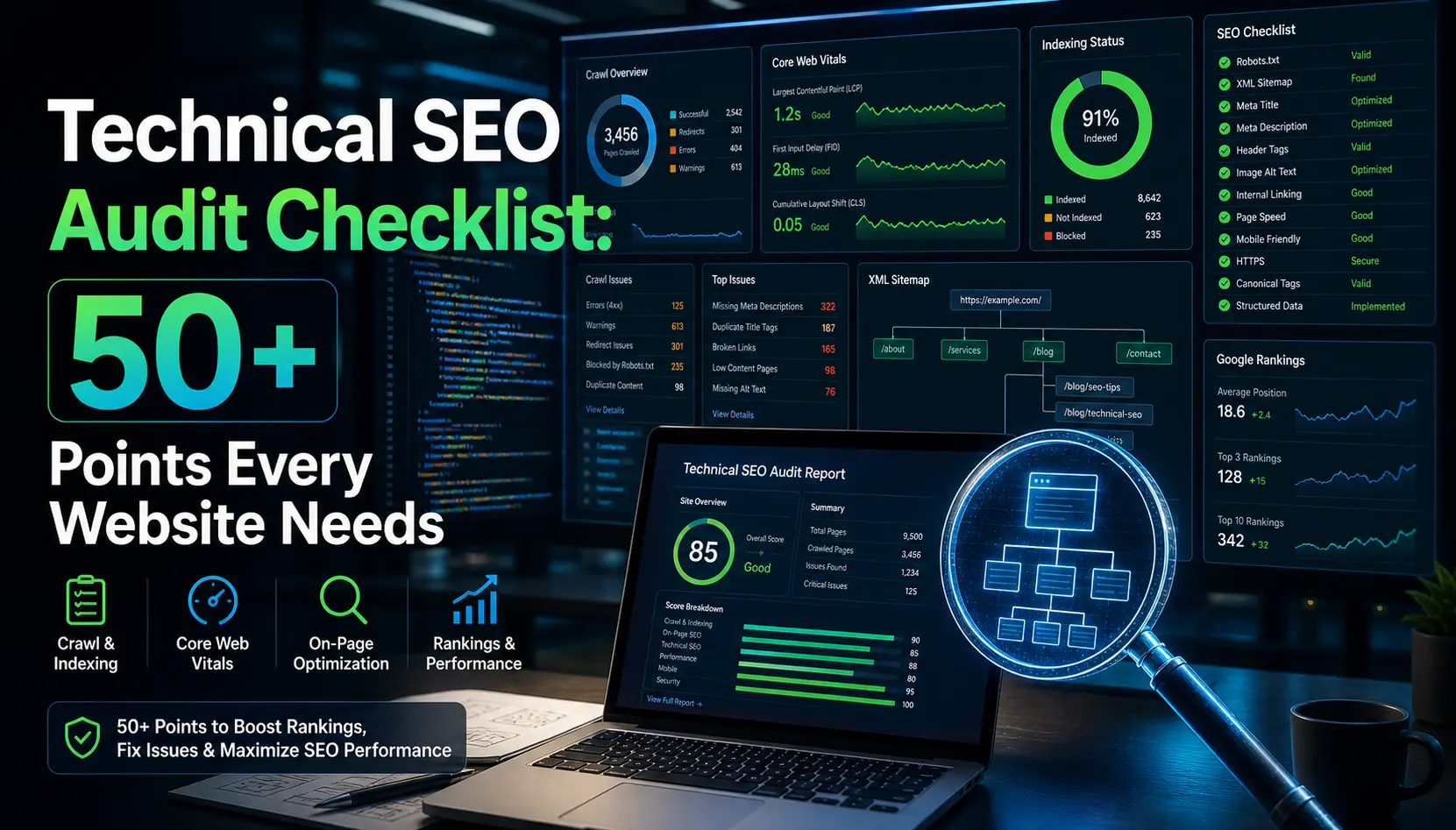
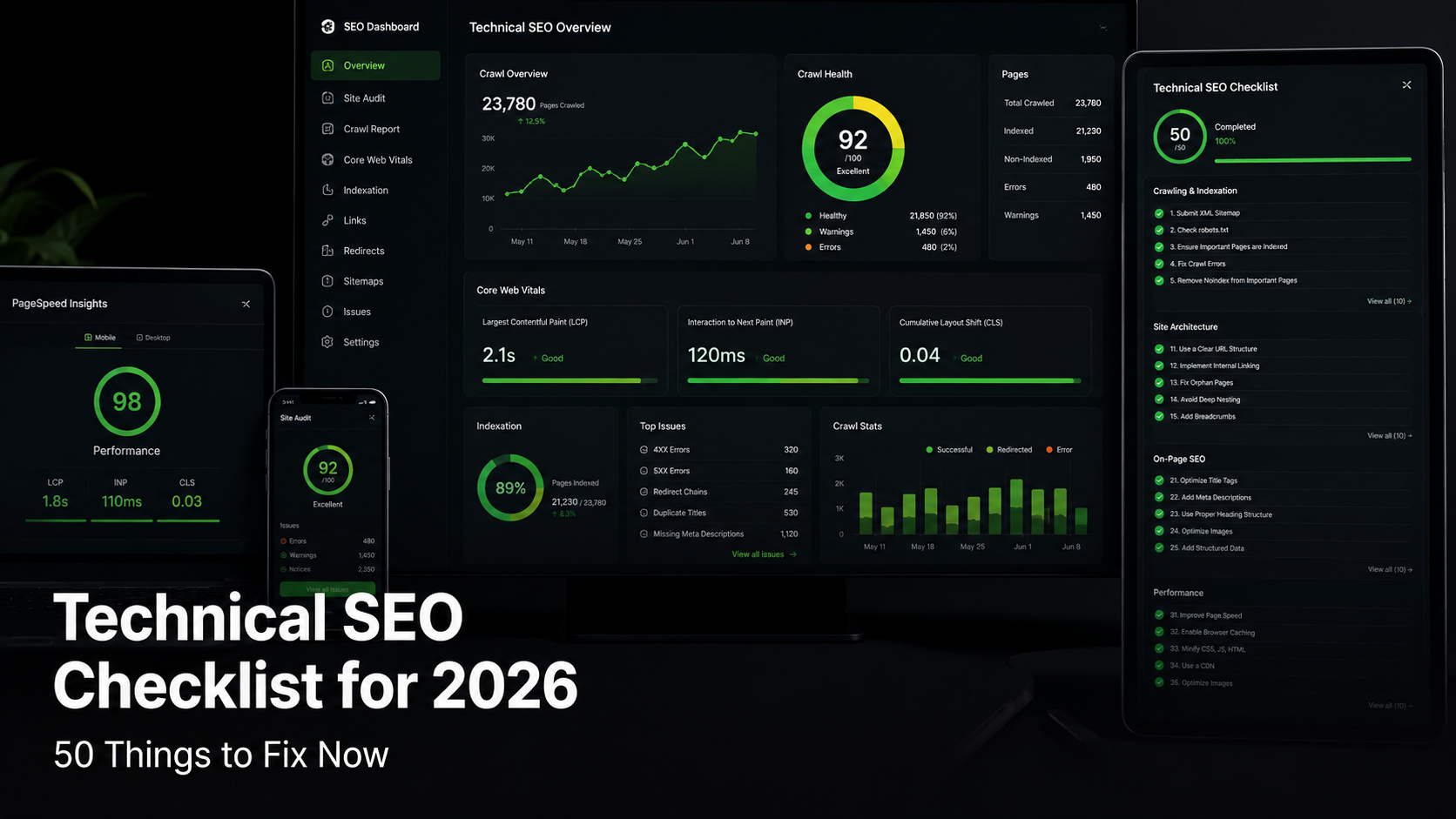
This checklist covers 50 technical SEO tasks organised across eight categories, from crawlability and indexation through Core Web Vitals and schema markup. Each item includes the specific tool to use and the threshold that separates acceptable from problematic. Work through each category systematically; the compounding effect of fixing multiple issues simultaneously is greater than the sum of individual fixes.
Category 1: Crawlability and Indexation
1. Verify robots.txt is not blocking key pages
The robots.txt file at yoursite.com/robots.txt controls which pages Googlebot can crawl. A misconfigured Disallow directive can accidentally block entire sections of a site from indexation. Verify your robots.txt using Google Search Console’s robots.txt Tester under the Legacy Tools section. Confirm that critical directories including /products/, /blog/, and /services/ are not disallowed. Semrush reports that robots.txt misconfigurations affect 12 percent of audited websites.
2. Submit and monitor your XML sitemap
An XML sitemap submitted through Google Search Console accelerates crawl discovery for new and updated pages. The sitemap should contain only canonical, indexable URLs that return a 200 HTTP status code. Google’s John Mueller confirmed in 2025 that sitemaps with URLs returning 404 or 301 errors reduce crawl efficiency. Use Screaming Frog to generate a clean sitemap and compare it against your Search Console sitemap report to identify discrepancies.
3. Check for orphaned pages
Orphaned pages have no internal links pointing to them from any other page on the site. Google’s crawler discovers pages primarily through link following; pages without any internal links are effectively invisible unless they appear in the sitemap. Screaming Frog’s site crawl identifies orphaned pages by comparing crawled URLs against sitemap URLs. Every important page should have at least one contextually relevant internal link from a page that is itself well-linked.
4. Resolve crawl budget waste
Crawl budget, the number of pages Googlebot crawls per day on a given site, is finite. Infinite URL parameters, faceted navigation without proper canonicalisation, and session ID URLs waste crawl budget on duplicate or near-duplicate pages. Google Search Console’s Coverage report identifies pages discovered through crawling but excluded from the index. Use URL parameters tool in Search Console to instruct Googlebot how to handle parametrised URLs that do not create unique content.
Category 2: Indexation
5. Audit noindex tags
A meta robots tag with content=’noindex’ prevents a page from appearing in Google’s index. Accidentally applied noindex tags, often inherited from staging environments or added during testing, are among the most impactful technical mistakes to go undetected. Google Search Console’s Coverage report flags pages excluded via noindex. Screaming Frog crawls all pages and reports noindex status in the Response Codes column, enabling bulk auditing across large sites.
6. Fix canonical tag conflicts
A canonical tag tells search engines which version of a duplicate or near-duplicate page should be indexed and receive ranking signals. Canonical tag conflicts occur when a page’s self-referencing canonical points to a different URL, when canonical chains form (page A canonicalises to page B which canonicalises to page C), or when paginated pages incorrectly canonicalise to page one. Google’s John Mueller stated in 2025 that conflicting canonicals are treated as signals rather than directives, meaning Google may ignore them in favour of its own assessment of the preferred URL.
7. Verify hreflang implementation for multilingual sites
Hreflang attributes tell Google which language and regional version of a page to serve to users in different locations. Missing return-link hreflang tags (the hreflang set on /en-US/ must include a reference to /es-MX/ and vice versa) cause Google to ignore the entire hreflang implementation. Sistrix’s 2025 hreflang audit of 50,000 international pages found errors in 68 percent of implementations, almost always due to missing return tags or incorrect ISO language codes.
Category 3: Core Web Vitals
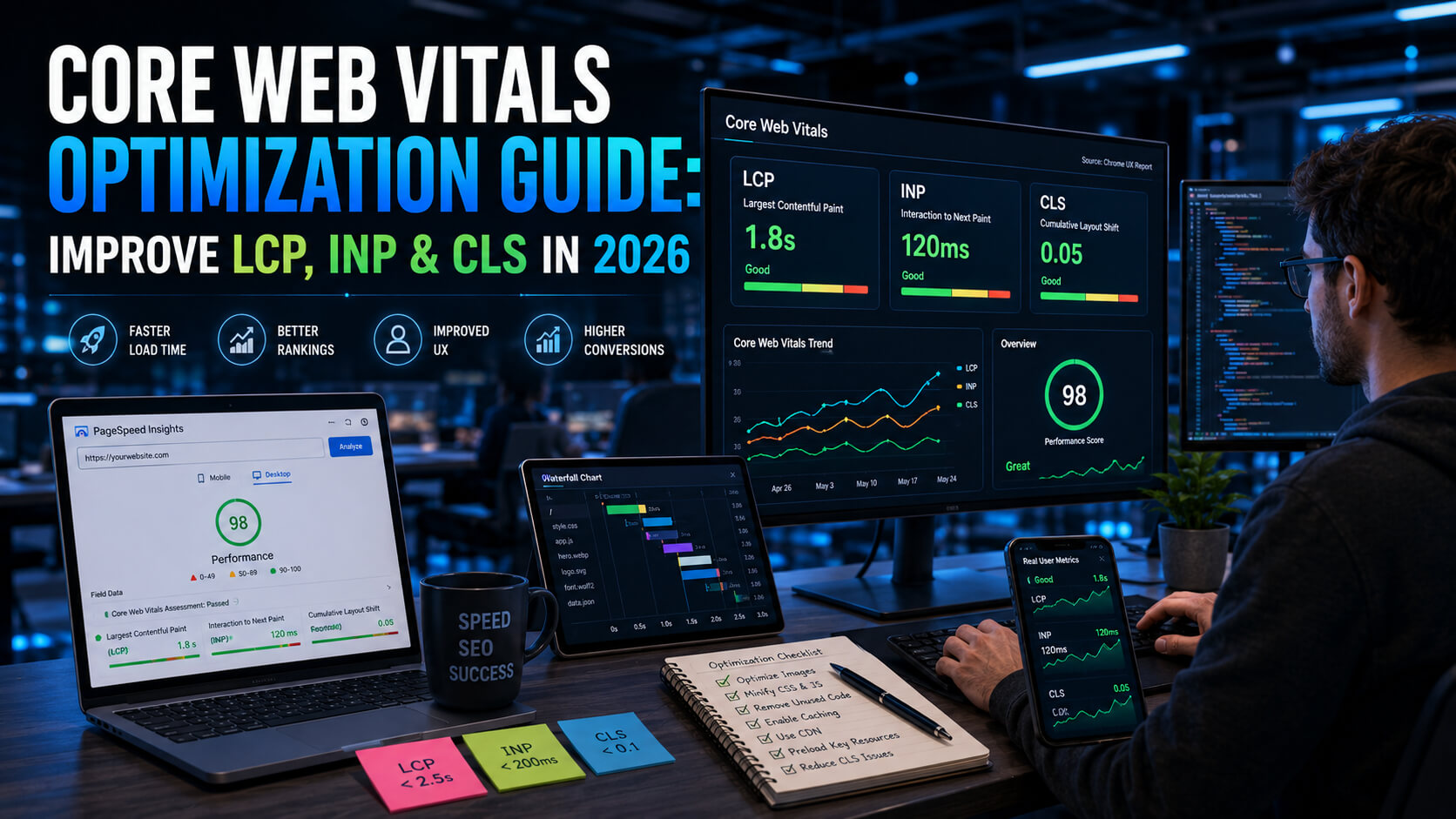
8. Achieve LCP under 2.5 seconds
Largest Contentful Paint (LCP) measures how quickly the largest visible element in the viewport loads. Google considers LCP under 2.5 seconds as ‘good’ and above four seconds as ‘poor’. The most common LCP elements are hero images, large text blocks, and above-the-fold banners. Preloading the LCP image using link rel=’preload’ in the HTML head typically reduces LCP by 300 to 600 milliseconds. Google’s 2025 CrUX data shows that 45 percent of origins globally fail to achieve good LCP on mobile.
9. Fix INP below 200 milliseconds
Interaction to Next Paint (INP) replaced First Input Delay as a Core Web Vitals metric in March 2024 and remains critical in 2026. INP measures the latency of all user interactions including clicks, taps, and keyboard inputs across the full page lifespan. INP above 500 milliseconds is rated ‘poor’. The primary causes are long JavaScript tasks blocking the main thread. Chrome DevTools’ Performance panel identifies Long Tasks (tasks exceeding 50 milliseconds); breaking them into smaller chunks using scheduler.yield() or queueMicrotask() reduces INP.
10. Achieve CLS below 0.1
Cumulative Layout Shift (CLS) measures unexpected visual movement of page elements during loading. Ads, images without explicit dimensions, and dynamically injected content are the most common CLS causes. Setting explicit width and height attributes on all images and iframes eliminates the most common CLS source. Google’s PageSpeed Insights and Chrome User Experience Report both measure field CLS; the threshold for a ‘good’ score is below 0.1, with above 0.25 rated ‘poor’.
Category 4: Page Speed
11. Enable server-side compression
Gzip or Brotli compression reduces HTML, CSS, and JavaScript file sizes by 60 to 80 percent before transmission. Brotli compression achieves approximately 14 to 21 percent better compression ratios than Gzip for text files, according to Google’s Brotli specification documentation. Most modern hosting environments support Brotli; verify via the Content-Encoding response header in Chrome DevTools Network panel. Uncompressed text responses on a page with 200 KB of HTML can add 800 to 1,200 milliseconds to load time on a 4G connection.
12. Serve images in next-gen formats
WebP images are 25 to 35 percent smaller than equivalent JPEG images at equivalent visual quality, according to Google’s WebP documentation. AVIF format achieves an additional 20 percent reduction over WebP for photographic content. Chrome, Firefox, and Safari all support WebP and AVIF in 2026. WordPress 6.1 and later converts images to WebP automatically on upload. For non-CMS sites, Squoosh (open-source) and Cloudinary (paid) provide automated format conversion and CDN delivery.
Category 5: Mobile and Structured Data
13. Confirm mobile-first indexation
Google has used mobile-first indexing for all sites since September 2020, meaning the mobile version of your pages is the primary version used for crawling, indexation, and ranking. Google Search Console’s Mobile Usability report identifies pages with mobile rendering issues. Common problems in 2026 include tap targets below 48 by 48 pixels, text below 16 pixels in the mobile viewport, and content wider than the screen causing horizontal scrolling.
14. Implement and validate schema markup
Schema markup in JSON-LD format provides structured data that enables rich results including FAQ accordions, How-to steps, review stars, and recipe cards in Google search results. Google’s Rich Results Test at search.google.com/test/rich-results validates schema implementation and identifies errors. The most impactful schema types for most websites in 2026 are Article, FAQPage, BreadcrumbList, Product, and LocalBusiness. Semrush’s 2025 study found that pages with valid schema markup see 20 to 30 percent higher click-through rates in search results.
15. Fix broken internal and external links
Broken links (returning 404 errors) waste crawl budget, create poor user experiences, and lose link equity that would otherwise flow to accessible pages. Screaming Frog and Ahrefs Site Audit identify broken links across a site. External broken links should be removed or updated. Internal broken links should redirect to the correct destination via 301 redirects. Ahrefs’ 2025 analysis found that the average website has 6.3 broken internal links per 100 crawled URLs.
Complete Technical SEO Checklist at a Glance
| Category | Key Tasks | Primary Tool | Priority |
| Crawlability | Robots.txt, XML sitemap, orphaned pages, crawl budget | Screaming Frog, GSC | Critical |
| Indexation | Noindex audit, canonicals, hreflang | GSC Coverage, SF | Critical |
| Core Web Vitals | LCP, INP, CLS thresholds | PageSpeed Insights, CrUX | Critical |
| Page Speed | Compression, image format, render-blocking | WebPageTest, GTmetrix | High |
| Mobile SEO | Mobile-first, tap targets, viewport | GSC Mobile Report | High |
| Schema Markup | Article, FAQ, Breadcrumb, Product | Rich Results Test | High |
| Security | HTTPS, HSTS, mixed content | SSL Labs, Chrome DevTools | Critical |
| Site Architecture | URL structure, depth, pagination | Screaming Frog | Medium |
Frequently Asked Questions: Technical SEO Checklist 2026
What is a technical SEO audit and how do I do one?
A technical SEO audit is a systematic review of a website’s technical configuration to identify issues preventing optimal crawling, indexation, and ranking in search engines. The standard process involves crawling the site with Screaming Frog or Sitebulb, reviewing Google Search Console’s Coverage and Core Web Vitals reports, testing page speed with PageSpeed Insights, and validating schema markup with Google’s Rich Results Test. Most audits cover crawlability, indexation, page speed, mobile usability, and structured data.
What are Core Web Vitals and why do they matter for SEO?
Core Web Vitals are three Google-defined page experience metrics: Largest Contentful Paint (loading, good under 2.5 seconds), Interaction to Next Paint (interactivity, good under 200 milliseconds), and Cumulative Layout Shift (visual stability, good below 0.1). Google uses Core Web Vitals as a ranking signal confirmed in its 2021 Page Experience update. Pages achieving ‘good’ scores on all three metrics benefit from a positive ranking signal in queries where other ranking factors are closely matched.
How long does it take to see results from technical SEO fixes?
Google typically recrawls and reindexes pages within two to four weeks of technical changes, though significant sites with high crawl frequency can see changes reflected in rankings within days. Core Web Vitals improvements measured in the Chrome User Experience Report update monthly. Canonical fixes, noindex corrections, and sitemap updates typically impact search visibility within three to six weeks of implementation, depending on the site’s crawl frequency.
What is the most important technical SEO issue to fix first?
Accidental noindex tags and blocked robots.txt directives are the most urgent technical SEO issues because they prevent pages from appearing in search results regardless of their content quality or link authority. After confirming all important pages are indexable, Core Web Vitals failures on high-traffic pages have the most immediate ranking impact. Screaming Frog and Google Search Console together identify both categories of issue within a single audit session.
Do I need a developer to fix technical SEO issues?
Some technical SEO fixes require developer involvement, including Core Web Vitals improvements (JavaScript optimization, render-blocking resource elimination), server-side compression configuration, and hreflang implementation. Others are accessible to non-developers through CMS plugins: Yoast SEO and Rank Math handle XML sitemaps, robots.txt, and canonical tags on WordPress without coding. Image optimization for WebP conversion is handled automatically by caching plugins like WP Rocket or Cloudflare’s automatic image resizing.
How often should I run a technical SEO audit?
Full technical SEO audits should be conducted quarterly for active websites publishing new content or making site changes regularly. Immediately after any major site migration, CMS upgrade, or redesign, a full audit is essential because these changes frequently introduce new technical issues including broken redirects, missing canonical tags, and accidental noindex implementation. Google Search Console should be monitored weekly for crawl errors and Core Web Vitals regressions as ongoing maintenance.
Fix the Foundation, Then Compete on Content
Technical SEO in 2026 is the prerequisite, not the differentiator. A site with perfect technical implementation and mediocre content will not outrank a site with excellent content and minor technical gaps. But a site with excellent content that cannot be crawled, indexed, or loaded at acceptable speed will consistently underperform its potential regardless of content quality.
The 50-point checklist in this guide is not a one-time project. It is a maintenance framework. The sites that sustain strong rankings in 2026 audit on a quarterly cadence, monitor Search Console weekly, and treat technical SEO as an ongoing operational function rather than an annual cleanup. The compounding return from systematically eliminating technical barriers to performance is one of the clearest long-term investments in digital marketing.